Webinar on Getting Started with QuickSchools

Summer is when we re-charge and plan ahead for an exciting new academic year. A lot of schools join QuickSchools as trial users during these summer months. If you’re currently a trial user, first and foremost, we’d like to say thank you for giving us this opportunity. We’d also like to offer a free, live webinar to make sure that you’re ready to give us a go.

The Getting Started with QuickSchools webinar will take you through the basics. We’ll show you how to create test data, assign roles and access to multiple users, turn on features, and access help. We’ll also give you a tour of what we have to offer: an easy-to-use Gradebook, customizable Report Cards, and a fully-loaded App Store. This webinar is interactive. Post questions and answer polls during the 30-minute presentation session, and discuss topic further during the follow-up, 30-minute Q&A session.
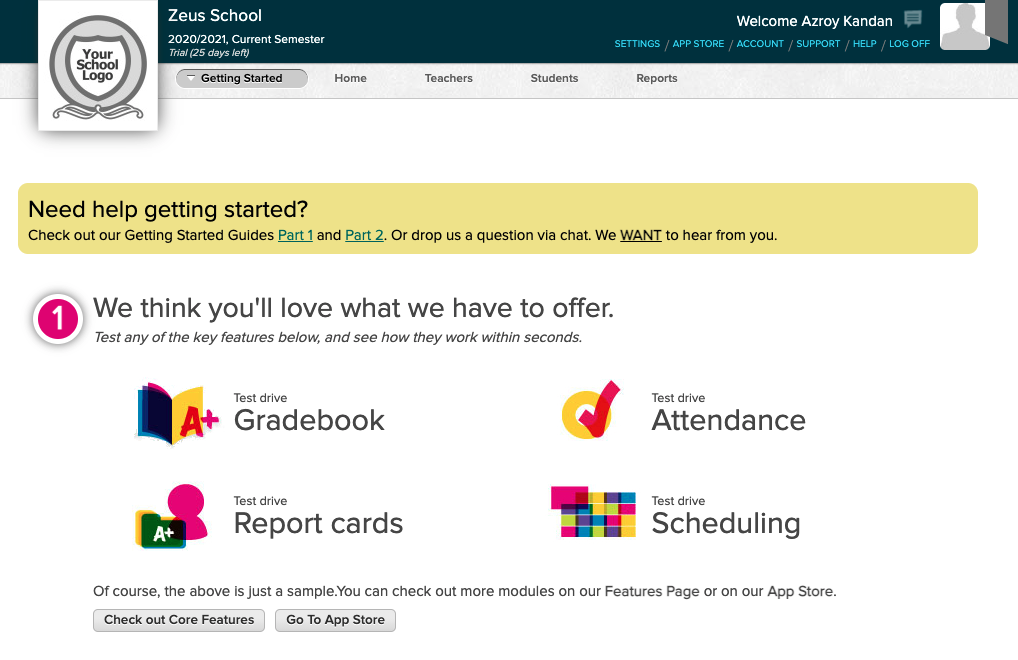
The Getting Started with QuickSchools webinar is scheduled for July 15th, with two possible time slots for you to choose from – 2 PM (EDT) / 11 AM (PDT) for our North American trial users or 2 PM (HK)/ 4 PM (ACT) for our international trial users. If you’re interested, you can register for the webinar, by selecting the time slot you wish to attend found on the Teachers’ Lounge page under Home. We’ll then send you an email to confirm your registration.

We look forward to seeing you!
New Release – June 16, 2021

Several minor improvements for this release, plus a few general improvements to our Master Scheduler. Here are the latest improvements in QuickSchools:

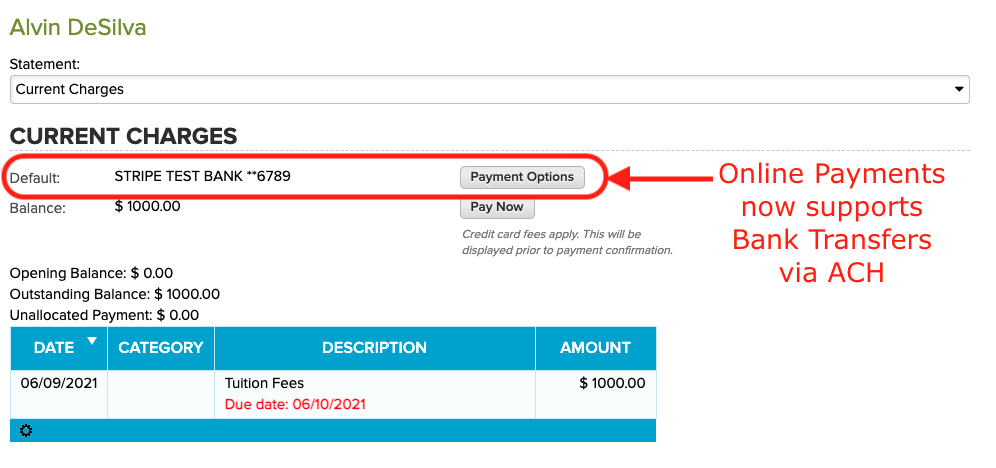
Online Payments modules for Students and Parents supports ACH via Stripe

Master Scheduler Improvements

  • Schedule PDF after Step 5
  • Freeze Panes for Steps 3 and 4
  • Advanced Search in Step 5 to search for students with unfulfilled course requests
  • Performance Improvements for large data sets
  • Improved support for Summary Reports
  • Bug fixes related to deletion of courses
  • Remove option for “Distributed Courses” from Step 5 scheduling algorithm

Improvements to Canvas Integration

Read More »

Fee Tracking / Online Payments Webinar

Thanks to everyone who attended the QuickSchools webinar today on Fee Tracking and Online Payments. It was a rather long webinar at 45 minutes, but I think it was helpful to people:

Fee Tracking and Online Forms Webinar for QuickSchools

If you missed the webinar, or would like a copy of the recording, please fill in the survey, and let us know. Our team will send you a link to the recording once it’s available. However, if you’d like a copy of the presentation, we have that here for download:

Read More »

QuickSchools Private App on Zapier

In a previous post, we talked about building an App on Zapier, in order to integrate QuickSchools with Zapier. This previous initiative was to allow schools to build their own integration, using the existing API Resources offered by QuickSchools. However, after working with several schools on this, we’ve decided to work on building our own QuickSchools App in Zapier, for schools to use more easily.

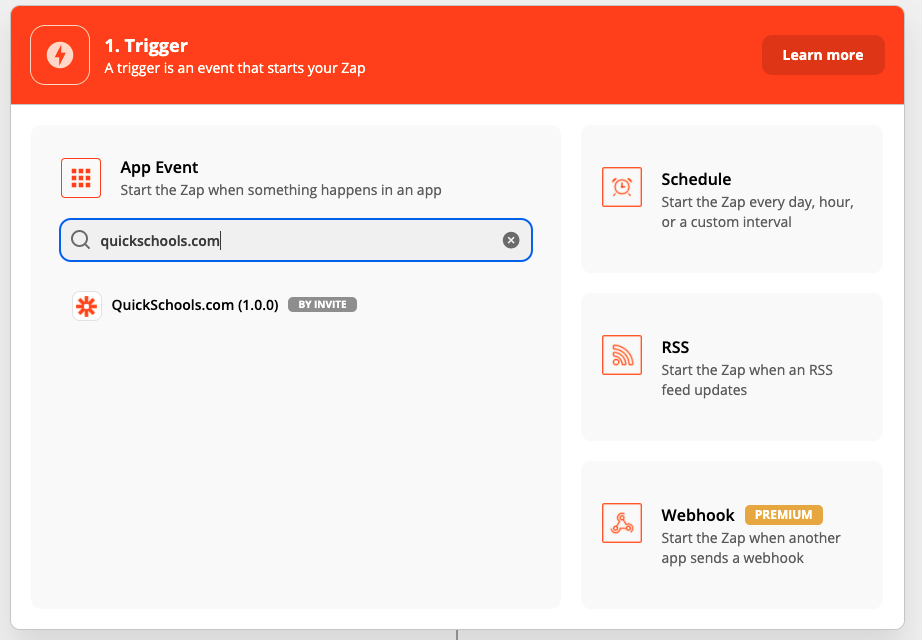
Finding the QuickSchools.com App in Zapier (by Invite)

The current QuickSchools app is currently a private app, and can only be accessed by invitation. If you’re interested in this app, please contact our support team for access.

Once you’ve accepted access to the QuickSchools App in Zapier, you will need to enter your API Key, in order to link your QuicKSchools account with Zapier:

Read More »

Daily-Equivalent (Period Zero) Attendance

We are building a new feature called Period Zero Attendance, or Daily-Equivalent Attendance. What this essentially means is that QuickSchools will track and report a daily attendance equivalent, based on period or subject-based attendance. This will be an optional feature for schools that track period or subject-based attendance.

How does it work?

Schools will continue to take attendance by period or subject. However, for every school day, each student will be marked with an equivalent daily attendance. So for example, if a student is marked present for 5 out of 7 periods, QuickSchools will convert this to a daily equivalent, based on certain rules. As a result, the student may be marked Present, Absent, Tardy or Half Day Present for the day. 

This daily attendance will be stored in Period Zero (hence the name “Period Zero Attendance”). When reporting attendance, the system will use / display the Daily Attendance by default. And the period / subject attendance is merely recorded for tracking / informational purposes only.

How will the Daily-Equivalent be calculated?

By default, the QuickSchools will use the FIRST attendance record as the Daily Attendance. This means that if a student is absent for the first period, but present for the remaining periods, the student will be marked as Absent by default. An administrator can then change the Daily Attendance to Present or Half Day Present based on rules set by the school.

Later on, we will provide different default calculation methods. Some possible options we are considering:

Read More »

Announcing Orchestra Master Scheduler

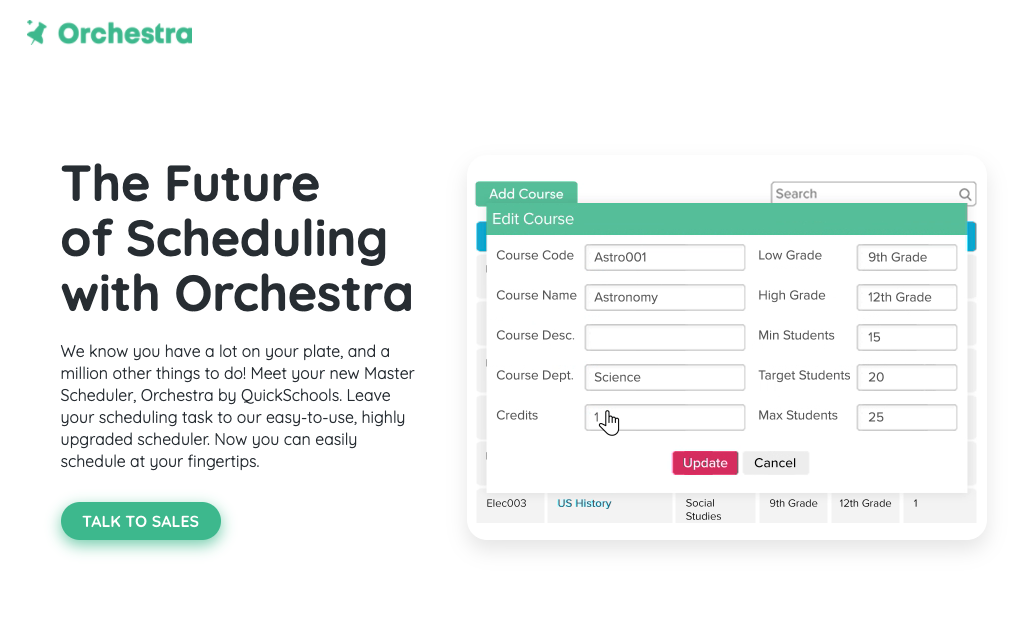
After some years of being in Private Beta, QuickSchools is proud to announce that our Master Scheduler is now available as it’s own standalone product called Orchestra. Check out the website at https://orchestra.quickschools.com/.

Orchestra Master Scheduler website

Orchestra will maintain the same simplicity and ease-of-use that has been synonymous with the QuickSchools brand. You will find many common elements between the two brands to maintain consistency in the user experience and of course, Orchestra too comes included with our awesome Live Chat support.

Read More »

New Release – May 24, 2021

Several minor improvements for this release, plus a few general improvements to our Master Scheduler. Here are the latest improvements in QuickSchools:

When re-assigning sections to another teacher, you can now view/select which sections to re-assign in the Master Scheduler

Master Scheduler Improvements

  • Refactor Screens for standalone Orchestra Master Scheduler Plan
  • Expand support for Constraints (by row and column)
  • Improve how sections are re-assigned
  • Improve Summary Report support for Master Scheduler
  • Improve flow for deleting courses
  • Support Bulk Removal of Course Requests by Report
  • Support multiple sections in a single period, in student PDF
  • Miscellaneous bug fixes

Other General Improvements

  • Include attachments when copying Lesson Plans
  • Improve Google Drive Integration support for large data sets
  • Improve how Summary Reports are run concurrently
  • Support Gradebook Category in Report Creator
  • Fix initial authentication connection to Canvas
  • Fix Delay when Changing Password
  • Fix Time Zone Difference when creating Live Stream events
  • Cosmetic UI Improvements (Relabelling buttons)
  • General improvements to server exception errors

New Release – May 3, 2021

Here are the latest improvements in QuickSchools:

Master Scheduler Improvements

  • New Orchestra Subscription Plan for Master Scheduler only, includes 
    • New Login Page
    • Updated Footer and links
    • New Features Page
  • Display Section Assignments in Student and Parent Portals
  • New Printable Section Assignments PDF
  • Improve Course Catalog Importer to support updates

Other General Improvements

  • Email Templates from Student Profile (see below)
  • Automatically Match Courses in Google Classroom Course Mappings
  • Ability to disconnect to Google Classroom
  • System checks for existing emails for new Trial Sign-Ups
  • Miscellaneous Fixes when creating new Trial Accounts
  • Generic Importer for Tests & Assessments (BETA)
  • Custom Background Image (BETA)
  • Improve reporting on Lunch Ordering app (for Pending/Cancelled Orders)
  • Improve how announcements can be hidden
  • Improve display of transactions on Billing History page
  • Support Enrollment Date in Students API Resource
  • Continue Framework Improvements for Emails
  • Fix Non-School Days on Attendance Calendar for Group Schools
  • Fix Scheduled Google Classroom Sync
  • Fix Gradebook Template with Scale Score
  • Fix Displayed Date for Attendance Not-Yet-Taken Notifications (BETA)

Email Templates from Student Profile

We have long supported Email Templates, for various modules. We’ve not extended this support to the student record:

When accessing a student record, there is now a “Email Profile” link, that will allow you to use Email Templates to send emails. For more information on our Email Templating capability, check out the link below: