
We talk a lot about gradebooks, transcripts, and report cards. They’re the features that show up on report card day and college applications, and hence, it makes sense they get most of the spotlight. But today, let’s take a look at one of QuickSchools’ unsung heroes: the Homework module. “I forgot” and “I didn’t know it was due” have been the go-to excuses since homework was invented. With homework tracking easier than ever, every assignment and due date is available in one place through our student information system. Those classic excuses might finally become a thing of the past.
Let’s get into it.
1. Assignments Are Easy for Everyone to Find
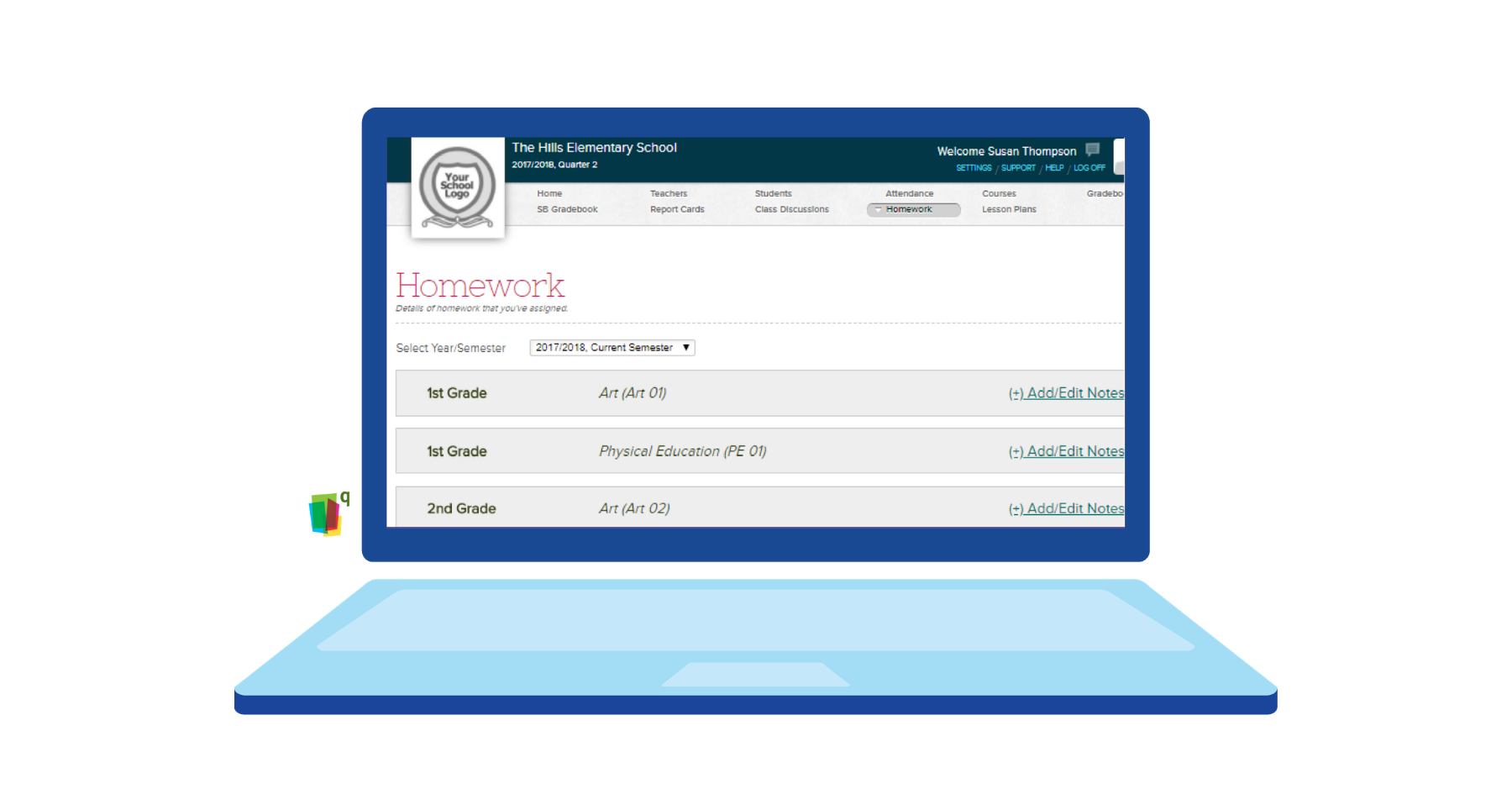
The Student and Parent Portals turn homework from something scribbled on a whiteboard into something posted, dated, and permanent. Complete with instructions and attachments. No more reconstructing what the teacher said in class from memory, because it’s available to everyone 24 hours a day. Which, conveniently, is also what kills the classic excuses. “I didn’t know” doesn’t hold up when the assignment is available online since it was posted, and a parent can pull it up just as fast as the student can.
2. Questions Get Answered Before They Become Missed Deadlines
Homework confusion rarely happens in the classroom. It can hit later, once a student is sitting alone with a worksheet and can’t remember what “problems 1–15, odd only” means. QuickSchools’ messaging system lets students and parents ask teachers directly, and teachers can reply with the clarification needed to get the assignment back on track.
Ideally, with the Homework Module, students won’t even need to ask. The details are already sitting on the student portal for them to check first. Hence, there’ll be fewer assignments turned in wrong, fewer late nights over a simple misunderstanding, and a lot fewer “can you email the teacher for me?” moments for parents.
3. Parents Get a Real Window Into What’s Actually Getting Done
Parent involvement in homework has always run into the same wall: parents can only help with what they can see. The Parent Portal removes that wall entirely. Parents can check assignments daily, confirm their kids actually did the work, and view grades in the same place.
That transparency changes the whole dynamic and enhances support for students. Instead of taking a student’s word for it, parents can verify it. And instead of finding out about a missing assignment during report card day, they find out the same day it happens.
The bigger research backs this up, too. In a study, researchers found that simply keeping parents updated on missing assignments cut course failures by 39% and boosted class attendance by 17%. Staying in the loop, it turns out, really changes outcomes.
4. Teachers Can Post an Assignment in Under a Minute

Adding homework is a simple and low-effort process for teachers. From the Homework page, users first select the relevant year/semester, teacher, and subject from the dropdown menus. Then, teachers can click on Add Assignment, fill in the details, and click the red Add button. The assignment appears immediately in the homework list for the selected subject, where teachers can easily view and manage assignments. Need to fix a typo or update details later? Teachers can click on the Homework, make the necessary changes, and click Save. Assignments stay accurate and up-to-date without requiring teachers to delete and recreate them from scratch.
5. Attachments Make Instructions Impossible to Lose
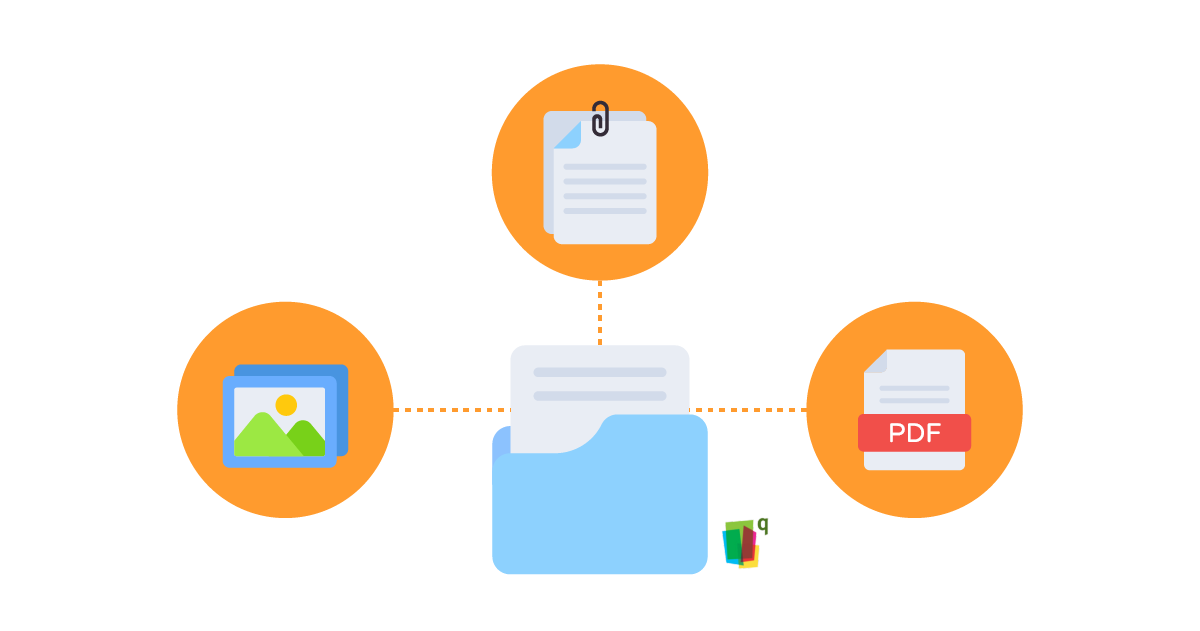
Worksheets, rubrics, and PDFs can be attached directly to a homework post once the assignment has been created, using the Attach File link. Students and parents download it straight from their portals.
Take a sick day, for example. A student staying home no longer needs to text their classmates to know what was assigned, nor do they need to wait until they’re back in the classroom to retrieve a copy of the assignment. It’s already sitting on the portal, attachments and all, the moment it is posted.
6. Finding Old Assignments Doesn’t Require a Memory Test
Whether a parent is trying to confirm a project was actually assigned three weeks ago or a teacher needs to pull every assignment given during a specific time, the search tools make it quick. Assignments can be searched by keyword or narrowed down by Date Assigned or Due Date using the date-range option. No more scrolling through a semester’s worth of posts hoping to spot the right one.
For anyone who needs a bigger-picture view, homework data also feeds into the Reports Module, which can be useful for administrators checking on homework activity across grades and subjects.
7. Snapshot Glance the Moment You Log In
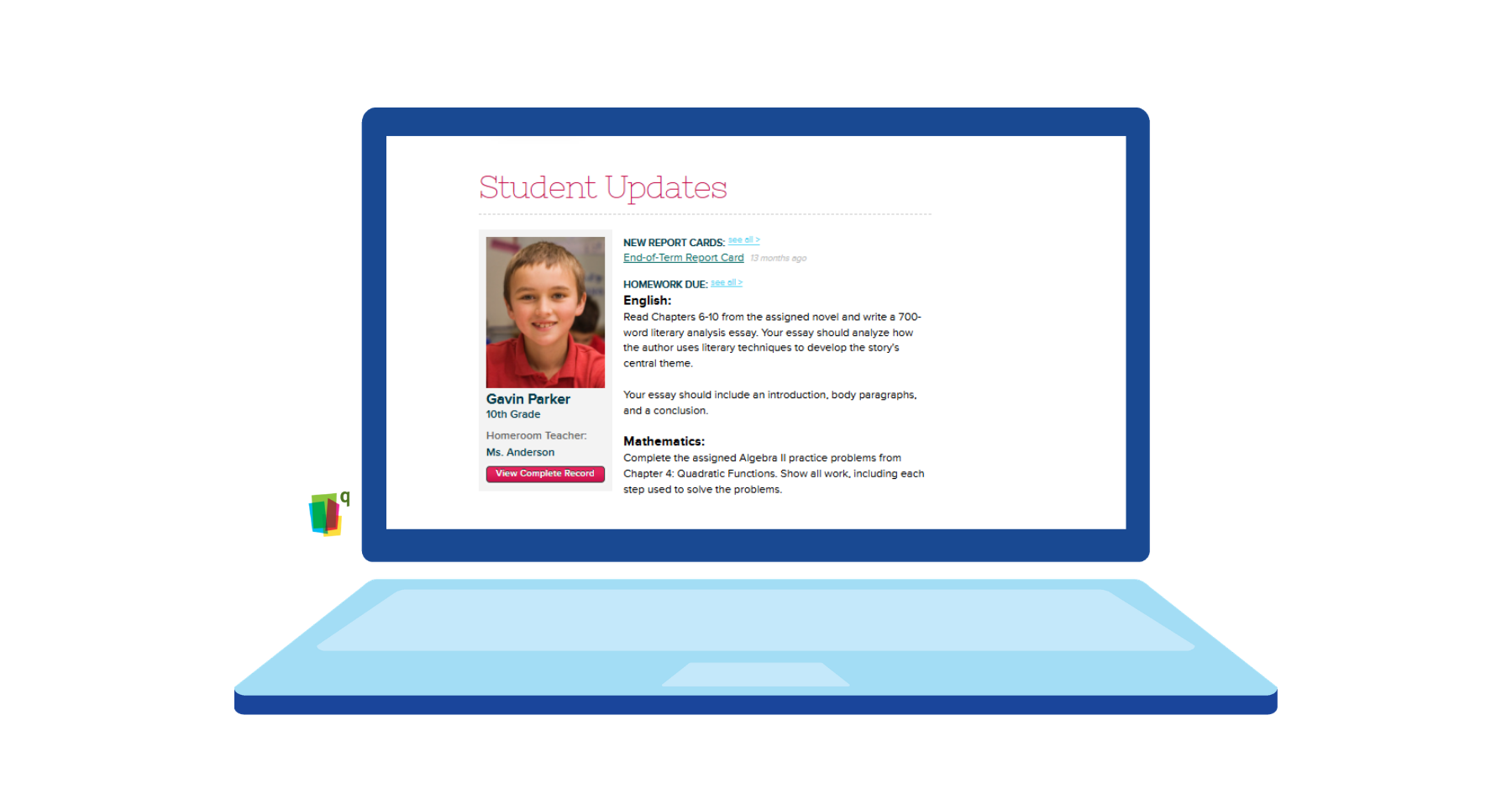
Nobody wants to dig for information. When students or parents log in, they land on their homepage and see Student Updates right there. On the left is the student’s photo, grade, and homeroom teacher, with a button to view their complete record. On the right is everything that needs attention, like new report cards or homework. Homework is broken down subject by subject, so students and parents can see exactly what’s assigned and is due. Homework shows up here twice: for the first two days after it’s assigned, and again during the last two days before it’s due. That way, the snapshot always stays current instead of getting cluttered with old assignments.
That immediate snapshot is what makes the whole system stick. Homework tracking only works if people actually check it, and a dashboard that shows exactly what matters right now beats digging through a folder of loose papers every time.
One More Thing Worth Knowing About
The Homework module handles the day-to-day well on its own, but if your school’s ready to take it further, there’s an app for that, too.
Want students to submit work through the system and not just see it?
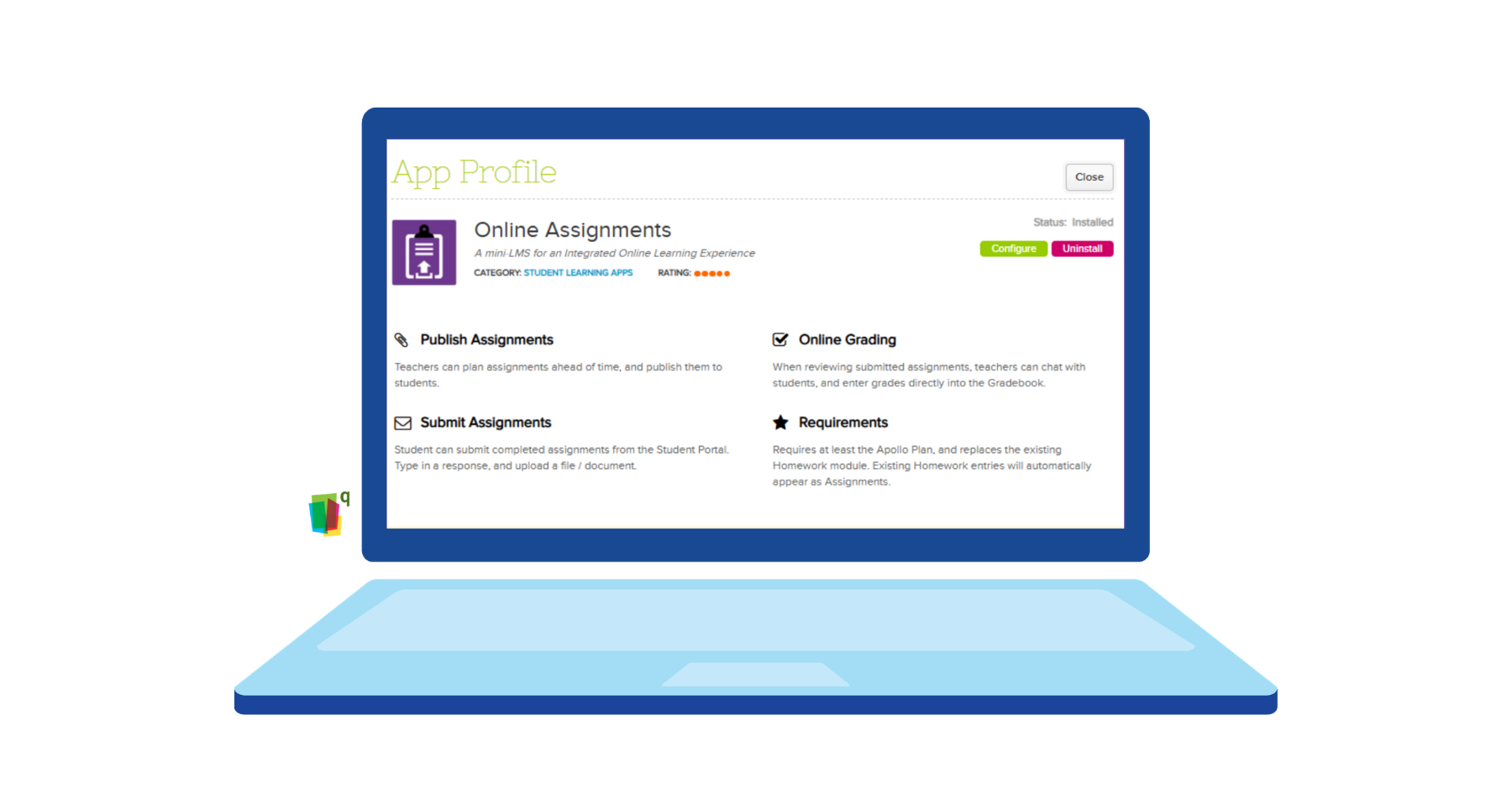
For schools that want to take it further, there’s the Online Assignments App. Once installed, it replaces the built-in Homework module and includes full online submission and grading.
Teachers can plan and publish assignments ahead of time, students can respond in writing or upload a file straight from the Student Portal, and teachers can chat with them and grade the work. Existing homework entries carry over automatically once the app is installed, so nothing gets lost in the switch.
PSA: All seven ways homework tracking helps are already covered by the standard Homework module. The Online Assignments App is just for schools that want online student submission and grading built in, too.
The Homework Tracking Payoff

We’ve covered seven different ways the Homework Module can help achieve one outcome: That teachers, students, and parents are all looking at the same due dates, instructions, and attachments. With all of that laid out in one place, students have everything they need to get their work done and turn it in on time.