As the exam season approaches, mastering study techniques is key to academic success. As students gear up for exams, the quest for efficient and fruitful study methods is important. The landscape of study techniques is diverse, offering a multitude of approaches to cater to different learning styles. Let’s explore and uncover a few indispensable study techniques, each with a unique focus on efficiency, comprehension, and effective time utilization.
Thank you to everyone who attended our February webinar on Managing Student Admissions. We hope the information we shared was useful, and you enjoyed the presentation.
What’s Coming Up?
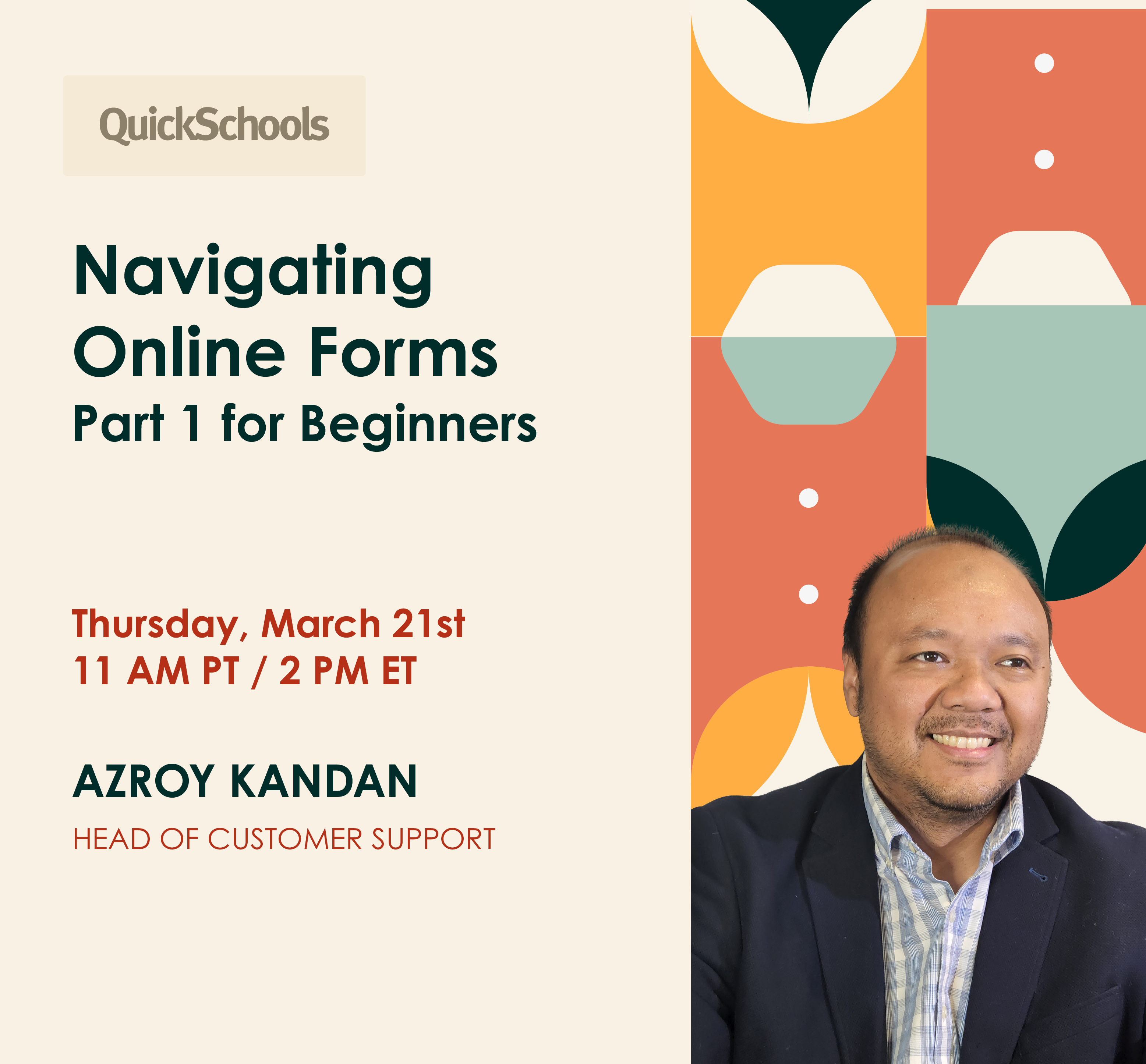
Our next webinar – Navigating Online Forms (Part 1 for Beginners) – is on the horizon. Stay tuned for updates on our blog and social media platforms. Registration opens next Monday, March 11.
Once again, we appreciate your support, and we look forward to your participation in future events.
We’re back to a normal flow for engineering improvements. Today’s QuickSchools release focuses on the Gradebook, with some minor improvements to the Master Scheduler, Attendance and API.
Full list of improvements are below:
Master Scheduler
Relabel Step 4 button to “Import External IDs”
Relabel the “Lock Sections” checkbox in Step 2 to be more descriptive
Bug Fix “Bulk Course Requests” in Step 2 for locked course requests in previous Enrollment Periods
Bug Fix Advanced Search in Step 5 for Students with unassigned duplicate course requests
Gradebook Improvements
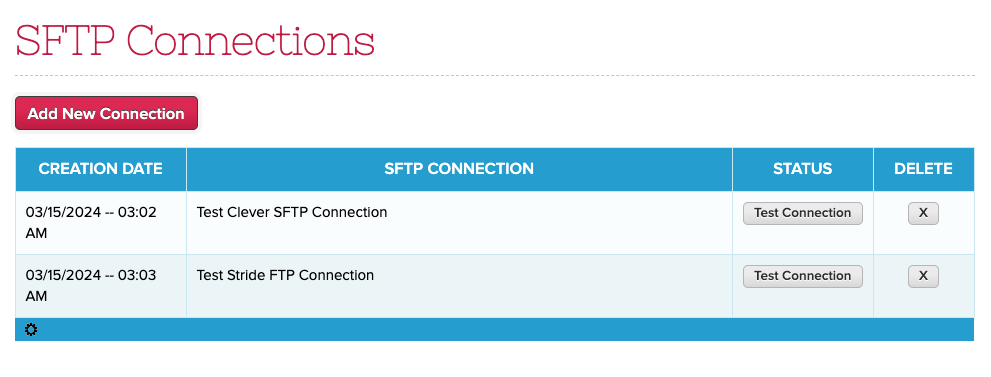
Low Grade Alert for Gradebook (see below)
Gradebook expanded option to share or copy columns between different subjects
Bug Fix Minimum Score from Admin Column
Option to submit grades from ALL gradebooks to Report Cards (Beta)
Option to bulk show/hide Gradebook in “Manage Subject Availability” (Beta)
Other Beta Improvements
API Improvements for Engage CRM and Mobile
Option to Bulk Set Attendance for Subject-Based roster
Report Creator support for Total Attendance by Period
Bug Fix Teacher Listing when a school is removed from a Group School
Low Grade Alert
We have a new Alert for the Gradebook, allowing you to notify parents of low grades. This feature currently works only for the default Grading Scale. Here’s how it works:
Enable the School-wide Alert under “School Profile”
Configure the low grades under “Grading Setup”
Notification for teachers when saving the Gradebook
Notification for Parents
Opting out of alerts for Parents
Enable the School-wide Alert
Under “Settings” > “School Profile”, there is a setting under “School-wide Alert Settings” for “Gradebook – Low Grade Alert”:
The alert is disabled by default. You can opt parents in or out by default. Parents can still opt in/out individually once the feature is enabled.
NOTE: This first version currently supports Email Alerts only. In the near future, we’ll be adding support for this alert to the “Home by QuickSchools” Mobile App
Configure the Low Grades
Under “Grading Setup”, there is a new setting called “Low Grade Alerts” where you can configure the Letter Grades and Codes that warrant an alert:
In the ever-evolving landscape of education, digital tools have become an integral part of learning, especially in mathematics. These tools range from online tutoring services to interactive software, each offering unique approaches to enhance a child’s learning experience.
Our focus for the past few weeks has been on the New Policy for Sender Email. And so the QuickSchools release for today is limited to improvements our API for Zapier and Engage, plus some general bug fixes and improvements to our general Student Information System:
General Bug Fixes / Improvements
Bug Fix Gradebook Comments with Special Characters from Canvas
Bug Fix Private Messaging when called incorrectly from the browser
Improve experience when choosing “Other Balance” for Online Payments
Beta Improvements
API Improvements for Engage CRM and Zapier (WebHooks)
New Report Creator calculations for Section Attendance
New Zapier Integration App
We’ve been focusing on adding WebHook support to our Zapier Integration App over the past several releases. We finally introduced Instant Triggers in v2.0.0 earlier this month. With this latest release, v2.0.1 will now support district-wide webhooks. You can export more documentation on our Zapier Integration App in the coming weeks.
We’re excited to announce QuickSchools’ first webinar for 2024 – Managing Prospective Students. This webinar is scheduled for Thursday, Feb 22 at 11 AM (PT) / 2 PM (ET).
Our webinar focuses on how QuickSchools can support your recruitment process via the Admissions and Online Forms module. Discover how you can efficiently collect, process, and maintain applicant data. Learn the easy way to track applicant status, as well as run promotions and outreach campaigns.
In a world where technology is changing rapidly and different economic changes are underway, numerous available jobs actually need people who are ready to start right away. This is where the purpose of vocational education comes in.
Think of it as a toolbox – one does not learn ready-made facts from a book but receives handy skills to perform the exact job.
Another reason why vocational education is gaining significance is that it provides an option for university degrees. Not all persons would like or need to enroll for a degree in a university. Some people prefer learning to be doing things and that’s what vocational education enables. This is the reason why these institutes need to get their brands have an established look, starting with a vocational school logo to build on on their professional image.
It prepares students directly for specific careers, providing practical competencies and knowledge to succeed in the labor market.
So, let’s see what are the ten top benefits of vocational education in the labor sector today!
Technology transforms the way industries function, allowing them to find innovative solutions to maximize their outputs.
In the education sector, while virtual classrooms have become the new norm, 82% of teachers support the use of digital learning tools in the classrooms.
The idea is simple—making education accessible and simple for everyone and optimizing the teaching processes.
Transcription solutions are an excellent way of achieving that.
They use AI-powered technology to generate accurate subtitles for your teaching materials, and that too without spending hours and days on it.
This article discusses the importance of transcribing your teaching materials and what it means for the future of the education industry.