
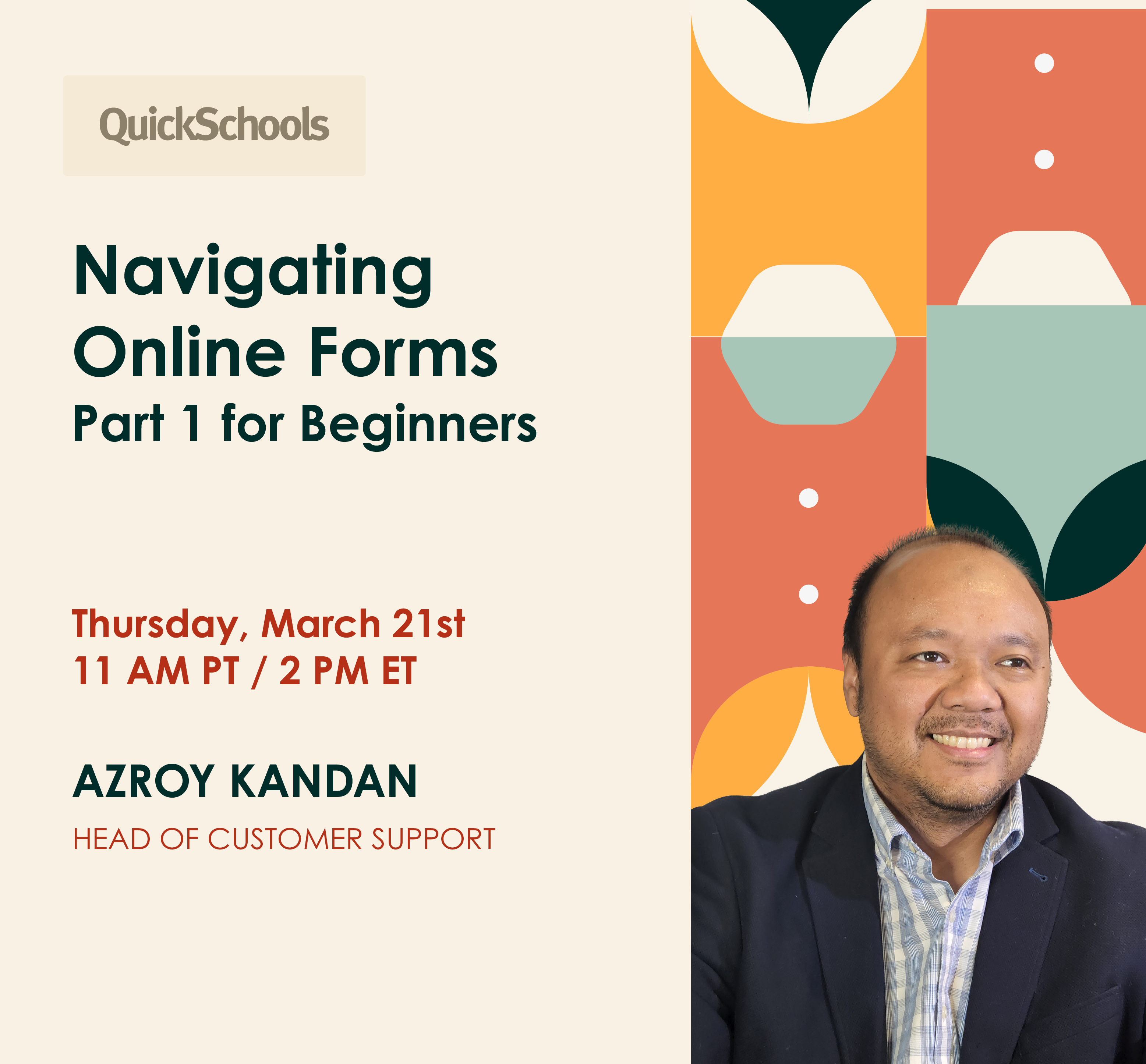
We’re thrilled to invite you to our March webinar spotlighting QuickSchools’ flexible Online Forms App. Join us on Thursday, March 21st at 11 am PT / 2 pm ET.
This webinar serves as your key to unlocking the full potential of Online Forms. Discover how you can configure Online Forms to collect and manage information for different processes – e.g. Admissions, Enrollment and Re-enrollment, Field Trips, as well as Leave Requests. Picture the efficiency of digitizing these processes with an app as user-friendly as Online Forms – it’s a game-changer!
‼️ Please take note that this will be the first out of our two-part webinar on Online Forms. The second part – Navigating Online Forms (Part 2 for Intermediate and Advanced Users) – is scheduled for April.
What key points will be covered?
This webinar consists of 2 consecutive sessions – a 30 minute interactive presentation, followed by a 20 minute Q&A session.
📚 During our 30 minute interactive presentation, we’ll walk you through the following:
- Main features
- Online Forms with Fee Collection
- Case examples (live demos): Admissions and Enrollment & Re-enrollment
There will also be 2 additional panelists (tech experts) attending. You’re welcome to ask questions, and our panelists will be happy to answer on the spot.
🙋♀️ During the 20 minute follow-up Q&A session, you’ll have the opportunity to dive into more in-depth topics, or ask our host to demonstrate specific parts of Online Forms.
Who should attend?
This webinar is suitable for school administrators or principals who are new to QuickSchools. We also welcome those who are curious about Online Forms or would like a refresher course.
How do I register?
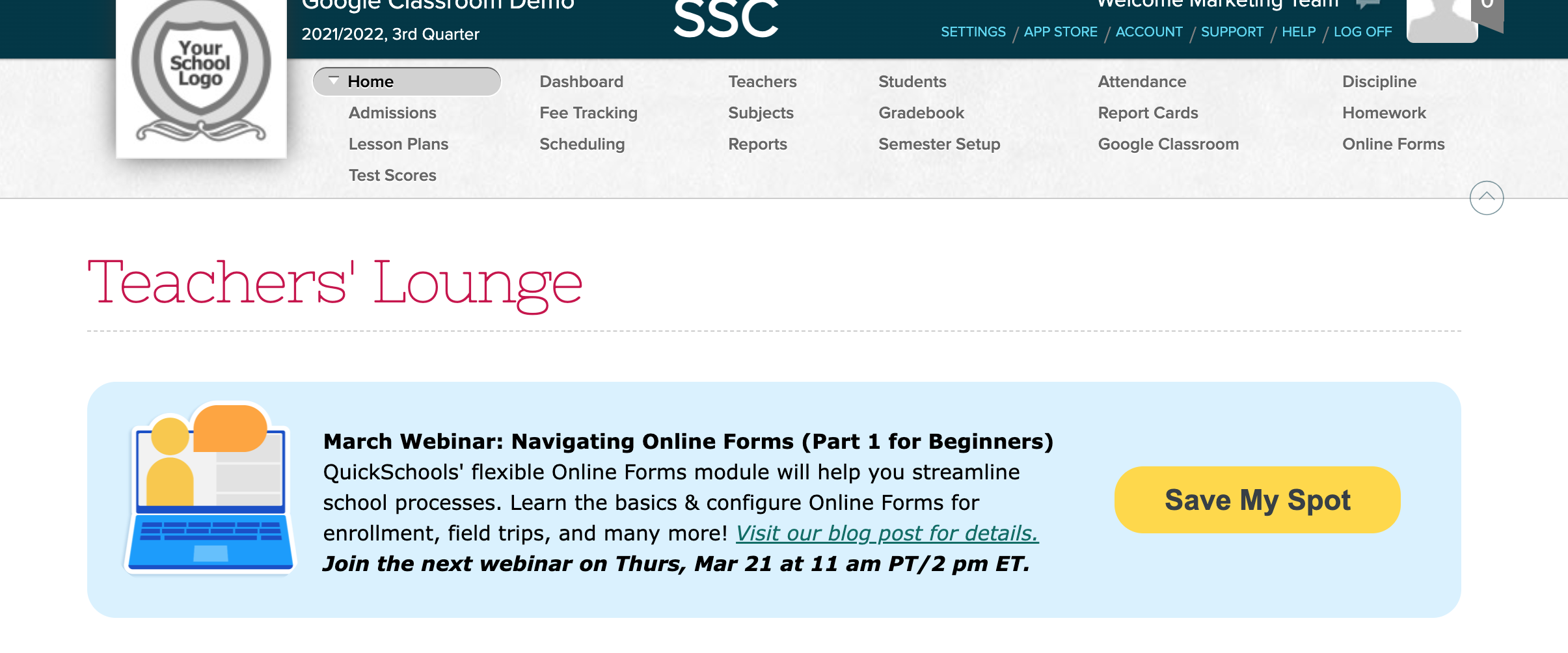
To secure your spot in this exclusive webinar, simply log onto your QuickSchools account, and fill out the registration form available via Teachers’ Lounge.
We look forward to having you join us!

Hi there! Is it possible to get a recording of this webinar?
Hi Andrew,
We’ll reach out to you directly by email. Thank you.
[…] you to everyone who attended our March webinar on Navigating Online Forms (Part 1 for Beginners). We trust that the insights we shared were valuable, and we hope you found the presentation […]
[…] in the Navigating Online Forms (Part 1 for Beginners) webinar is not required; however, participants will need to have basic familiarity with […]