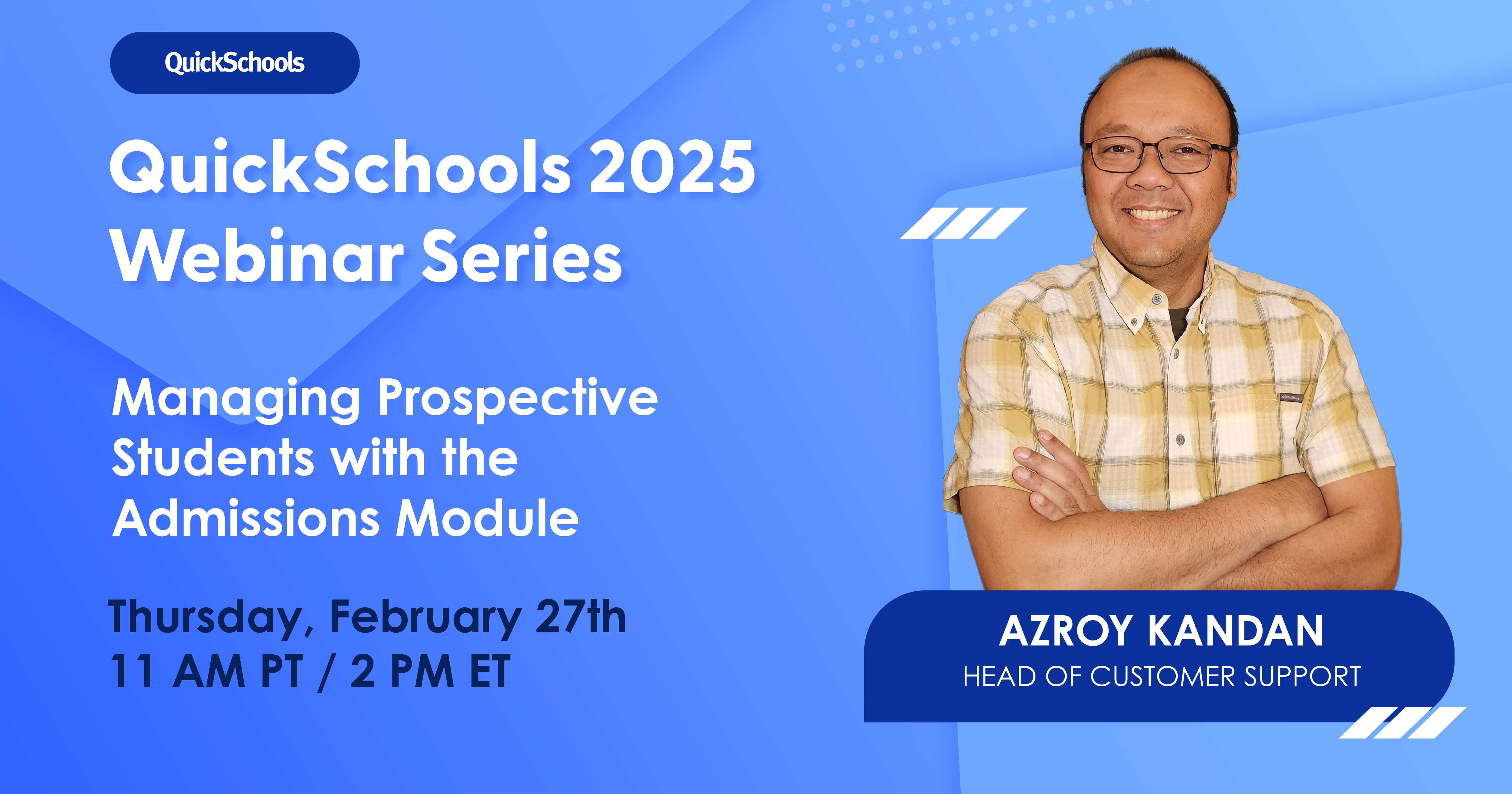
We’re excited to announce QuickSchools’ first webinar for 2025 – Managing Prospective Studentswith the Admissions Module. This webinar is scheduled for Thursday, Feb 27 at 11 AM (PT) / 2 PM (ET).
Our February webinar focuses on how QuickSchools’ Admissions Module can support your student recruitment process. Discover how you can efficiently:
Collect, process, and maintain applicant data
Track applicant status
Transition applicants to student status
Run promotions and outreach campaigns to attract quality applicants
We’re excited to launch our 2025 QuickSchools Webinar Series! We’re focusing on the features and tools that matter most to you. Whether you’re looking to simplify daily tasks or explore new ways to use QuickSchools, our webinars are here to help.
We have some great new sessions lined up, including a webinar on security best practicesand two deep dives into our latest feature updates. These are great opportunities to stay informed. We look forward to learning and growing together.
Webinar series schedule as of June 28, 2025
Feb 27: Managing Prospective Students with the Admissions Module – Completed
Mar 20: Navigating Online Forms for Student Admission – Completed
Apr 15: Working with the New Orchestra Master Scheduler Interface (new topic) – Completed
June 5: Collecting and Tracking Student Fees – Completed
Jul 24: Getting Ready for the New School Year – Completed
Jul 31: What’s New in QuickSchools – Exploring the Latest Feature Updates – Completed
Aug 21: Introducing QuickSchools for Teachers – Completed
Aug 28: Mastering the Gradebook – Completed
Sep 18: Keeping You Safe – Security Best Practices for the QuickSchools Community (new topic) – Completed
Oct 23: Creating High-Quality Transcripts – Completed
Update (New Date: February 24, 2025) The rollout date for mandatory Two-Factor Authentication (2FA) has been rescheduled from February 17 to February 24. This blog post has been updated to reflect the change.Please review the details below to ensure a smooth transition.
At QuickSchools, your security is our top priority. That’s why we’re rolling out Two-Factor Authentication (2FA)—an extra layer of protection to ensure that only you can access your account.
We understand that changes like this may bring up questions, so we’ve put together a helpful guide to walk you through the upcoming 2FA rollout:
Update (New Date: February 24, 2025) The rollout date for mandatory Two-Factor Authentication (2FA) has been rescheduled from February 17 to February 24. This blog post has been updated to reflect the change.Please review the details below to ensure a smooth transition.
At QuickSchools, we’re committed to keeping your account secure. That’s why we’re enforcing Two-Factor Authentication (2FA)—an extra layer of protection to ensure that only authorized users can access your account.
To help you navigate this update, we’ve answered key questions about the upcoming 2FA rollout:
As we step into 2025 schools are navigating new challenges or even trying to overcome past and current challenges. From increasing enrollment pressures to heightened compliance demands, managing student data has become more challenging. At the heart of it all lies the need for an efficient, adaptable, and reliable system to manage student information, such as QuickSchools. If you’ve been on the fence about upgrading your Student Information System (SIS), now is the time to leap. Let’s take a look at the importance of an affordable management system for every school.
QuickSchools is designed to be an intuitive, user-friendly Student Information System (SIS). However, we know that every school has unique needs when it comes to training and support. Whether you’re a new user exploring the platform or an experienced administrator looking to optimize your workflows, this guide compiles all the resources you need to master QuickSchools effectively.
At QuickSchools, the safety and security of your school’s data is our top priority. In light of growing concerns about cybersecurity, we want to reassure you that we’ve implemented robust measures to keep your information safe and secure.
Here’s What We’re Doing Right Now:
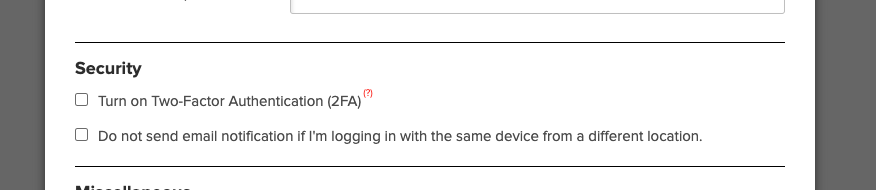
• Two-Factor Authentication (2FA): You can enable 2FA for your school by going to Settings > Turn Features On/Off > Edit Overall Settings, and selecting the Security section (as seen below). For more details on 2FA, visit our July 2022 release blog.
• Login Activity Monitoring: Users can view their login history, including IP addresses, browser, and device details, to stay vigilant.
• Email Notifications: We notify you immediately when:
A School Admin is added or removed.
Your password is changed or reset.
Planned Data Security Enhancements Coming Soon:
• Mandatory 2FA for Admins: Within the next 3-8 weeks, 2FA will become mandatory for all School Admin accounts. This ensures unauthorized access is even harder to achieve.
• Function-Level Security with 2FA: Sensitive actions, such as purchasing Text Messaging Credits with a saved credit card, will require additional 2FA verification.
• Dynamic Security Controls: We’re exploring ways to lock sensitive functions based on suspicious activity.
For more information about our security measures and approach to keeping student data safe, we invite you to read our blog post: “Is Student Data Safe?”.
We understand that unauthorized logins are one of the biggest threats to security, and we are committed to helping your school prevent them. If you have any concerns or need assistance enabling security features, please feel free to reach out to us.
Thank you for trusting QuickSchools to support your school’s needs