It’s that time of year where you’re scrambling to send parents / students some information about their academic performance. In many cases, you can send home a report card via our Report Cards module. But if you’re looking for something quick and easy, you could optionally send a snapshot of the Gradebook, and use that as a Progress Report in QuickSchools.
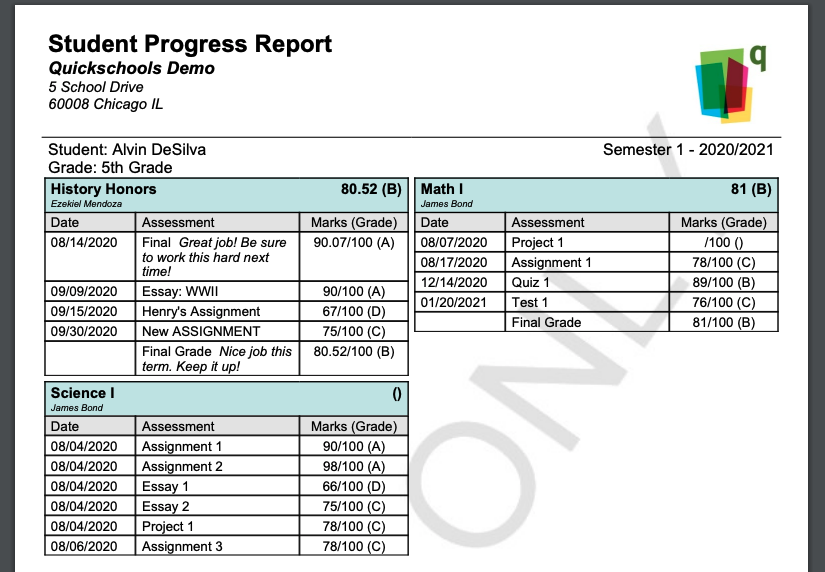
Here’s how it works:
What is in the Progress Report
If enabled, Students and Parents can actually access grades from the Gradebook directly from their portal.
- Only published and public information is available. So unpublished/hidden columns and subjects are invisible, as well as any Private Comments
- If your gradebook has a published formula, the system will display a running calculation for that formula
Emailing Progress Reports
As an administrator, you can bulk email the current Progress Reports from the Gradebooks, from the main Students Listing. Simply select the students via the check boxes on the left, and select “Bulk Email Gradebook” from the table menu:
Read More »