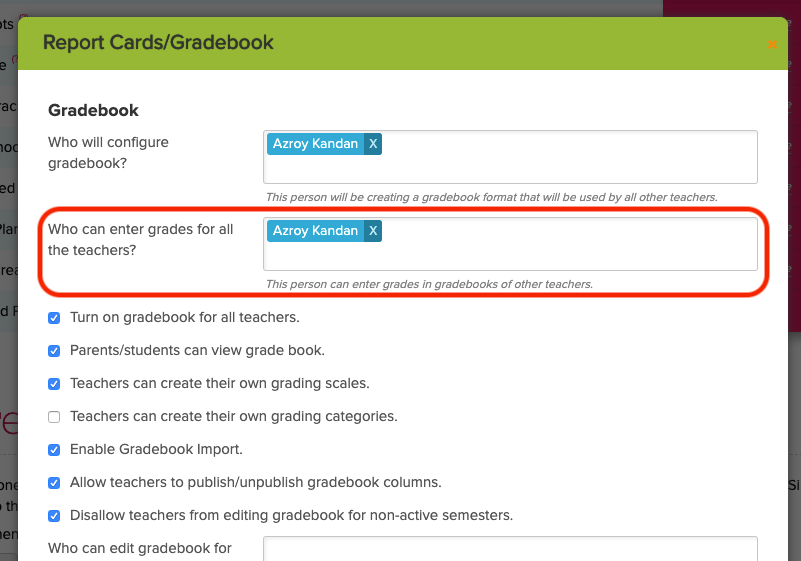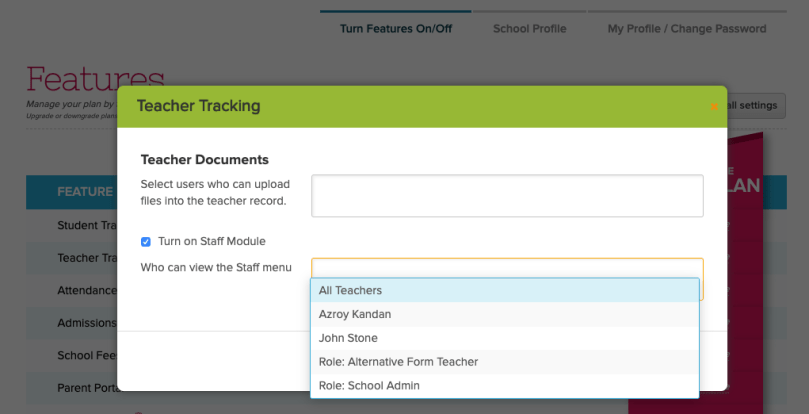
If you’re using our Standards-Based Gradebook (SBG) app from our App Store, you have the option of sharing the latest grades and assessments with your parents/students. This is simply done by configuring the app in QuickSchools:
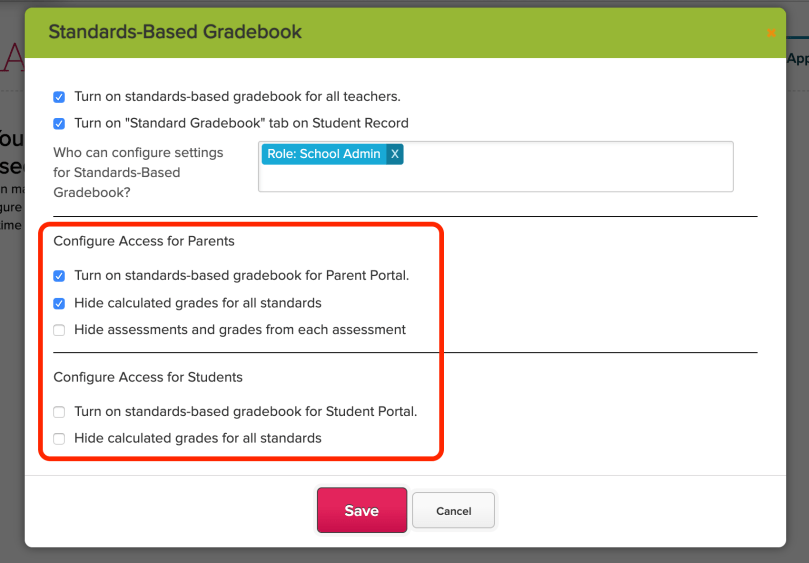
There are several options for restricting parent/student access to SBG grades from their respective portals. Here we discuss the available options:
DEFAULT (FULL) ACCESS
|
HIDE GRADES FOR STANDARDS
Grade for each Standard is hidden |
HIDE ASSESSMENTS
Assessments are completely hidden |
LIMITED ACCESS
All Grades and Assessments are hidden |
Default (FULL) Access
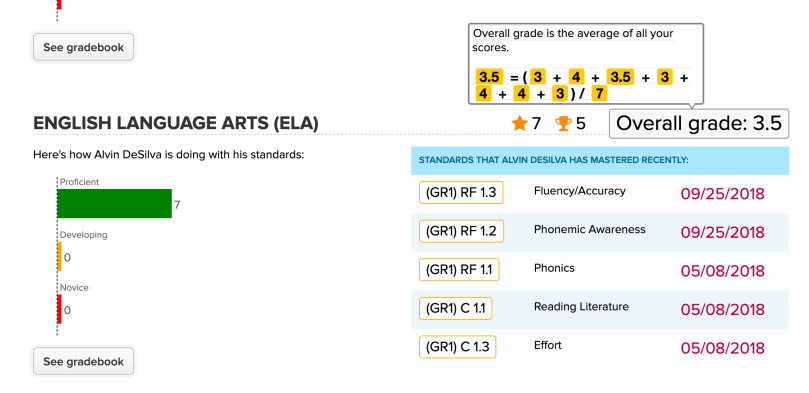
By default, students and parents have full access to all data from the Gradebook, which includes the following:
- List of Standards
- Grade for each Standard (including Calculation Formula)
- List of Assessments for each Standard
- Grade for each Assessment
Here’s an illustration of what all users see by default (including teachers):
Clicking on “See Gradebook” for a particular subject lists standards for that subject:Read More »