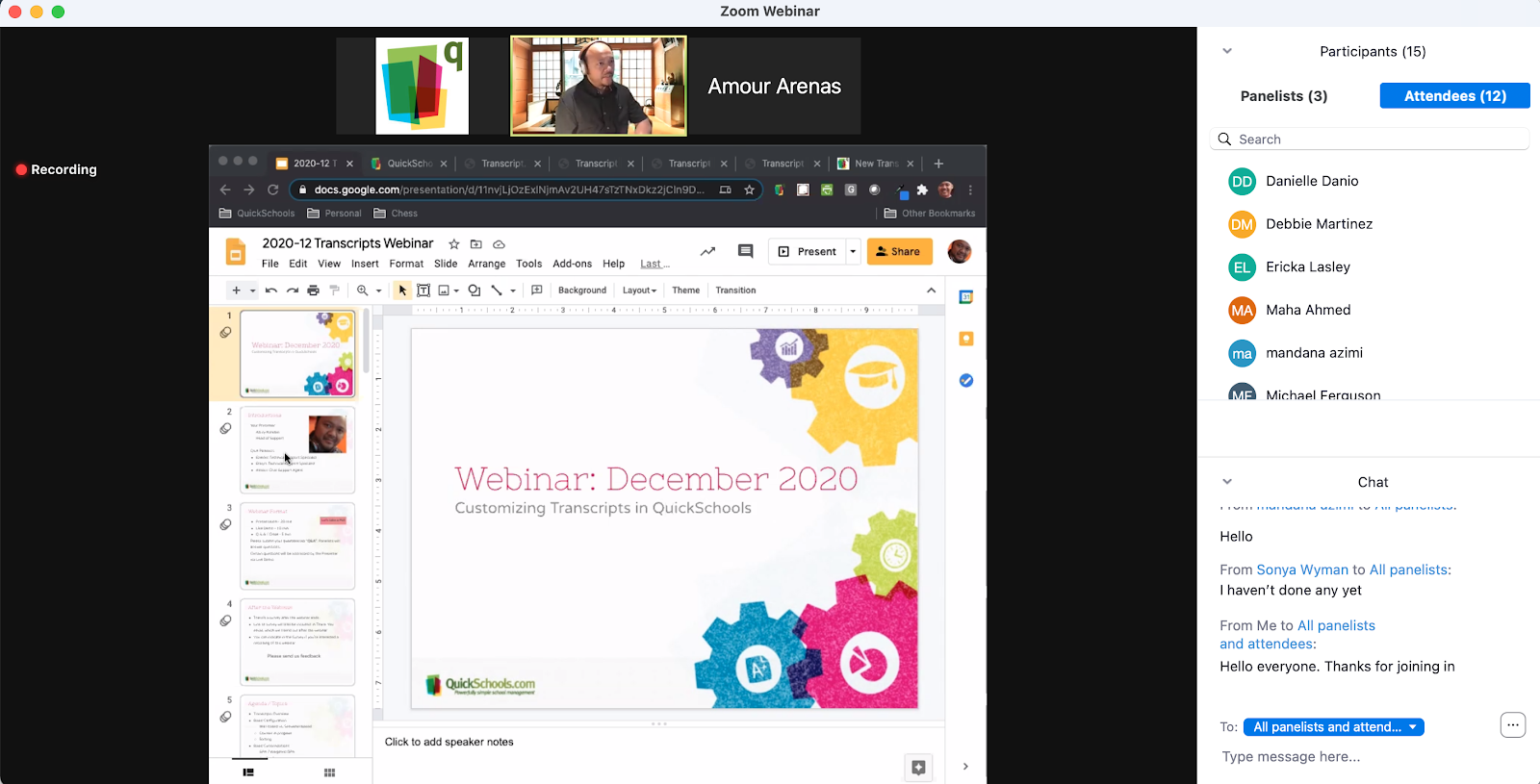
In case you missed, we had our second QuickSchools webinar yesterday, as part of our new Webinar Series. Our topic was on how to produce professional looking transcripts.
In preparation for this webinar, we published several new articles to help explain some of the functionality, as well as announce 4 new templates:
Thank you to those who were able to attend. We appreciate your participation, and hope you can give us feedback on how we can improve our product and services.
Azroy presenting the December Webinar on Transcripts in QuickSchools
Our next webinar will likely be in February. We’re considering many different topics like Admissions or Online Forms. If there’s a particular area you’d like to learn more about, or if you’re interested in attending our webinar in general, feel free to leave us a comment, and chat with our awesome support team.
Selection of Templates for Transcripts in QuickSchools
These are Year-Based transcripts, meaning that QuickSchools will consolidate courses within the academic year based on the course name. This configuration is set under “Transcripts” > “Transcript Configuration”:
QuickSchools uses the Single Assertion Mark-Up Language (SAML) to implement Single Sign-On (SSO) with external systems. You will need an Identity Provider (IDP) like Microsoft Azure or Active Directory to manage logins from multiple Service Providers like QuickSchools. For more information on SAML, check out this article:
This app is currently in Private Beta, and is not yet available on the QuickSchools App Store. This app is only available by request. Please contact our support team, if you would like to try out this feature.
Requirements
This app requires that your QuickSchools account be configured with District (or Group School) Settings. If you have multiple sites linked as a group, the IDP will be managed centrally by the main account in your group.
Installation and Set-Up
After installing the app, the configuration is in 2 parts:
Copy the configuration from the IDP into QuickSchools
Copy the QuickSchools SAML Configuration to the IDP
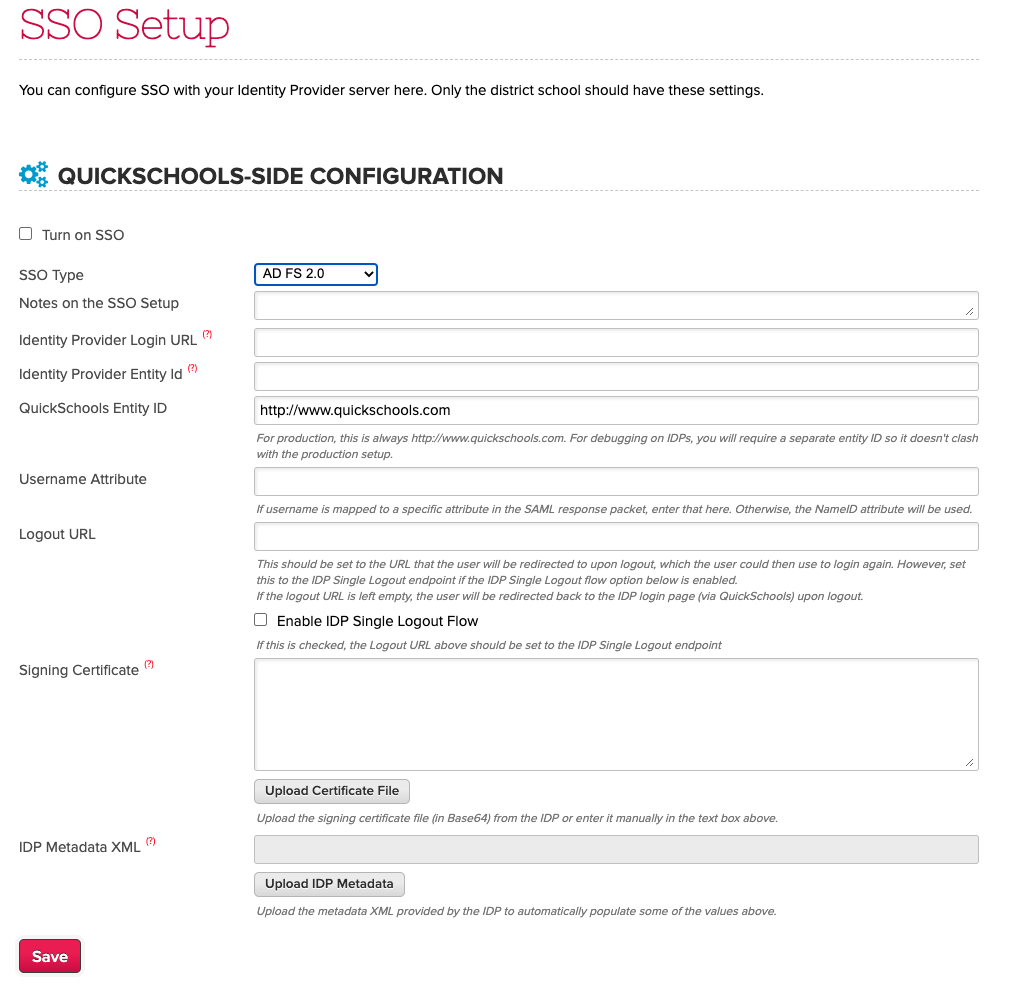
You’ll need to configure the IDP settings in QuickSchools. If you have the “Federation Metadata XML” file from your IDP, you can use the “Upload IDP Metadata” button to upload the configuration. Be sure to select the correct SSO type as well:
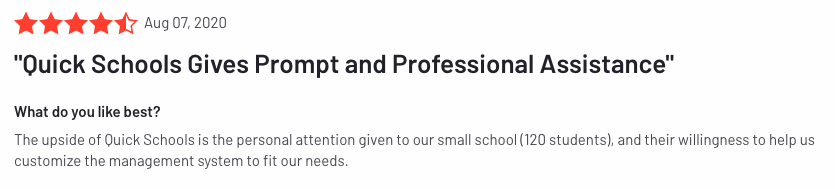
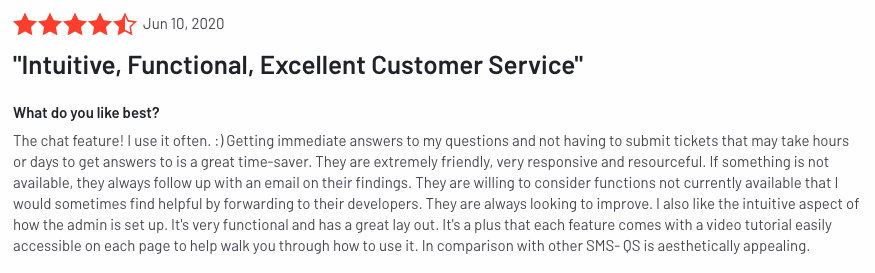
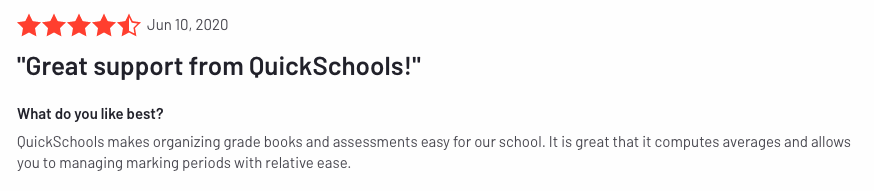
For a system that’s very deep in functionality, very few systems like ours offer as dependable and responsive support as QuickSchools. Don’t believe us, check out our reviews on G2Crowd:
QuickSchools Review on G2CrowdQuickSchools Review on G2CrowdQuickSchools Review on G2Crowd
There’s so much you can do with QuickSchools. And despite all the documentation, training videos, manuals, it can be overwhelming. And having a Live Person on chat can really be comforting, especially in a pinch. We’re there for you virtually all the time, late into the night on weekdays, and even partially on weekends. Just ask us what you need, and we’ll distill things down to just the relevant points to get you where you need to go. We are your IT Support Team.
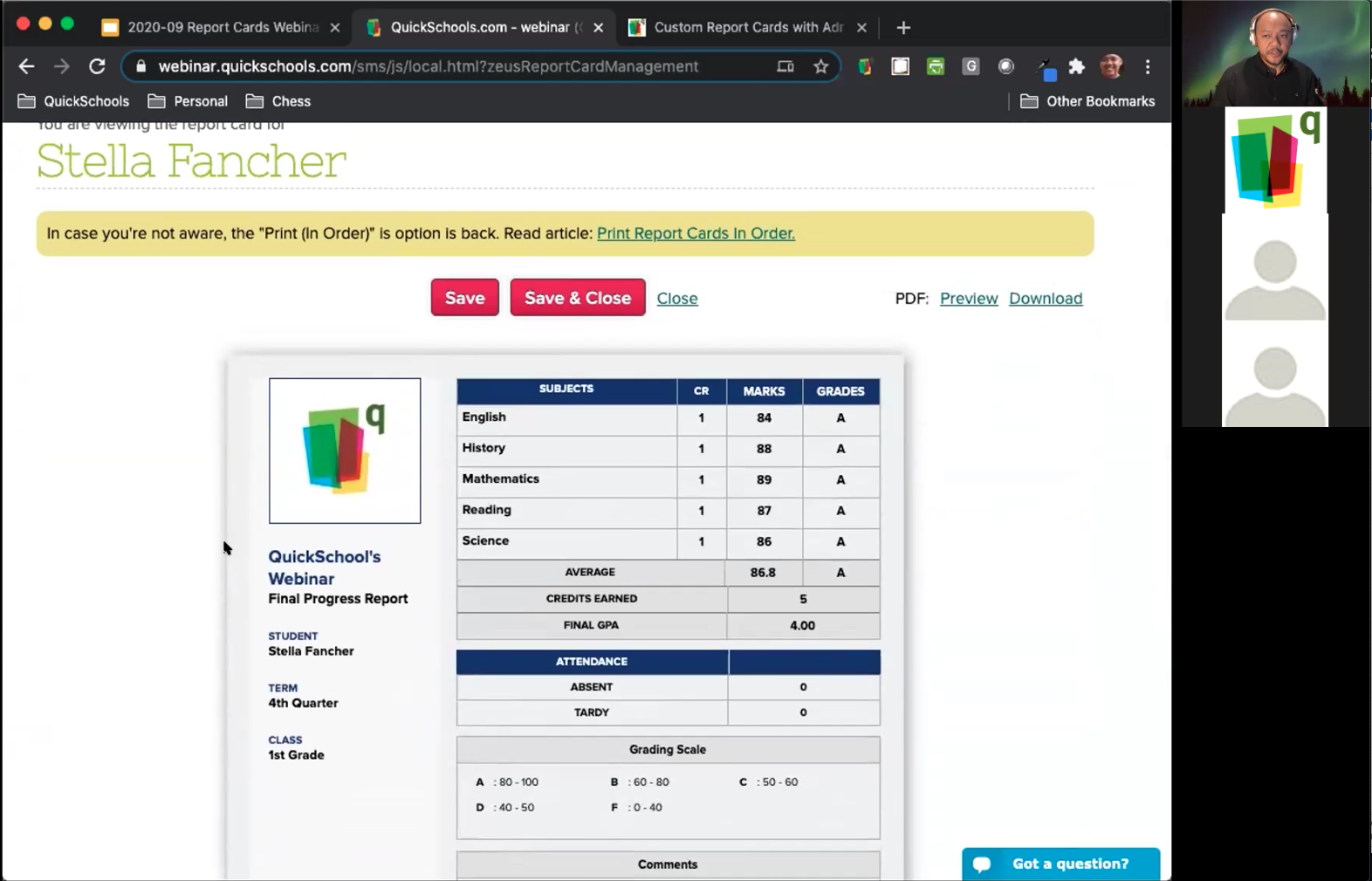
After more than a decade in the business, we finally ran our first QuickSchools webinar this past Wednesday (Sept 30), on the topic of customizing Report Cards.
First QuickSchools Webinar on Customizing Report Cards
We had a pretty good turn out, and were delighted with the response that we received. For those interested in our Report Cards module, we recently posted an article about our Report Cards here: