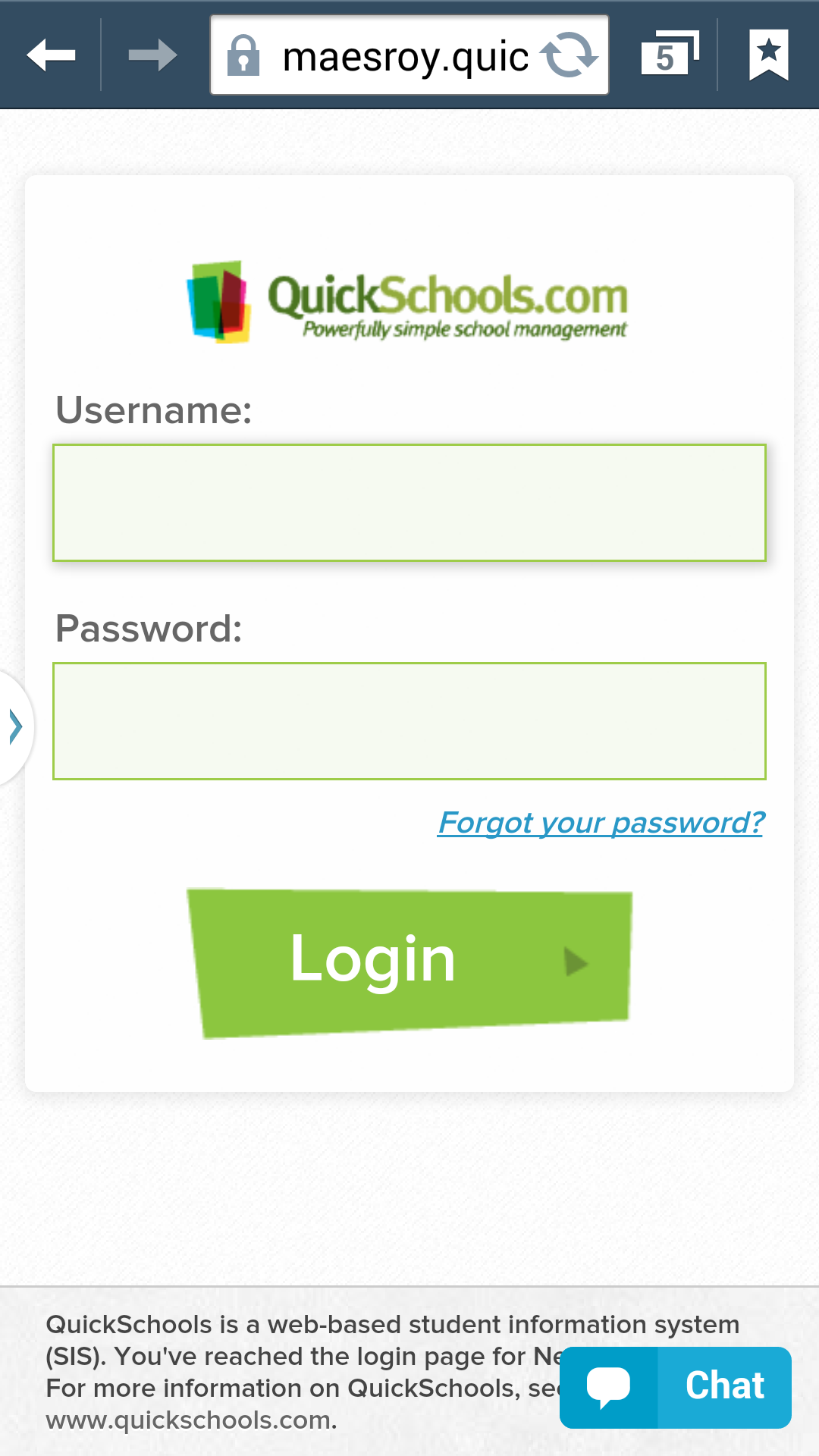
If you didn’t know already QuickSchools is mobile-friendly. Even though we don’t have a dedicated app for iOS or Android, you can access QuickSchools through these devices using a simple browser. And the experience will be similar to that of an app. All this is thanks to HTML5.
Check out some screenshots from the Parent Portal:
We mentioned in a recent post that schools can use our Open APIs and support for App Development to build your own apps. And if you do not have your own engineering / development resources, you can actually commission our QuickSchools team to develop apps for you, at a flat hourly rate. In many cases, if the scope of the proposed improvement is well-defined, we can even estimate the total cost of the custom development up front, as a fixed cost. But often times this is not possible, especially if it’s not completely clear what is required, or if the project itself it susceptible to scope creep. With a “Pay-As-You-Go” development model, the customer has full control on the scope and direction of new custom development. So how does this hourly “Pay-As-You-Go” development work?
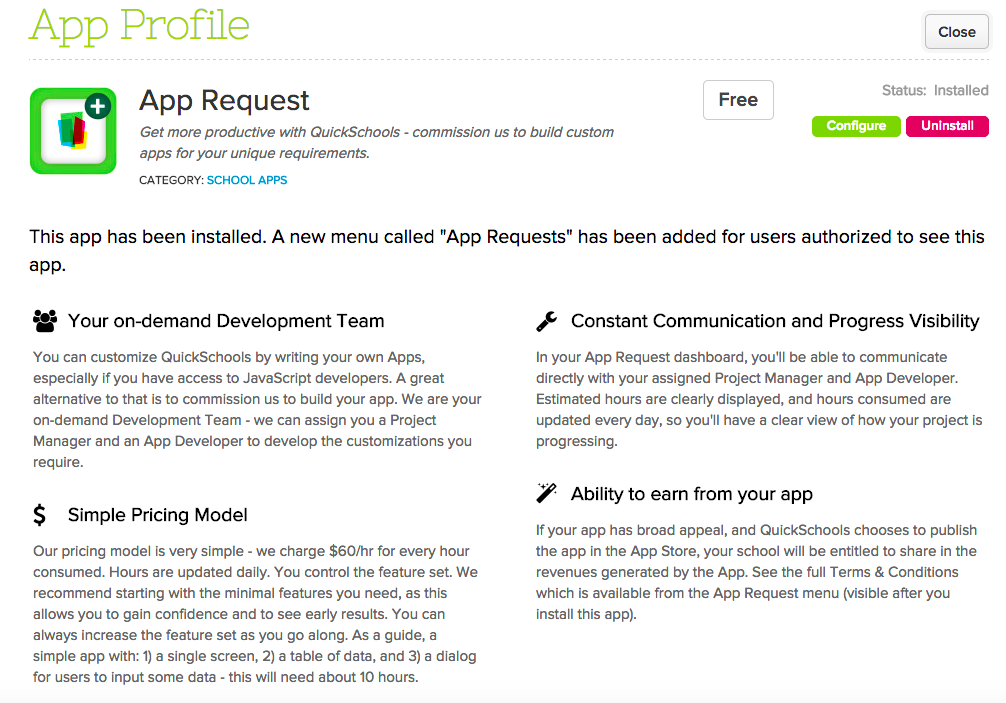
“App Request” App for Custom Development
There’s a new App in our App Store to facilitate our new “Pay-As-You-Go” Development model. Just install the free “App Request” app in the QuickSchools App Store. Then turn it on for individuals in your school that will have the authority to manage and approve development work:Read More »
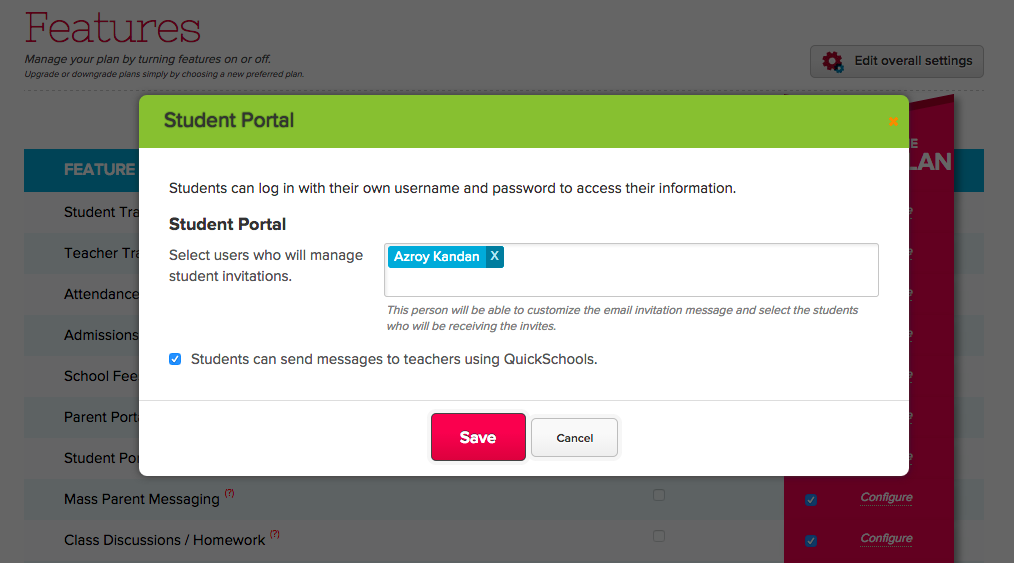
Once enabled, the Teacher directory can be accessed by students on the Student Portal. And teachers can initiate messages with students as well from the Private Messaging box.
Learning Management Systems (LMS) are a very different beast compared to Student Information Systems (SIS), which is what QuickSchools provides as an online service. Student Information Systems (also known as School Management Systems or School Administration Systems) focus on record keeping, and the administrative aspects of running a school (track student demographics, attendance, grades, fees, transcripts, etc). Learning Management Systems on the other hand focus on the delivery of content (or lessons) to students, and is primarily used by teachers.
There is a big overlap between the 2 systems though. School Management Systems are known to provide some level of LMS functionality, such as portals for students and parents to download homework assignments. Learning Management Systems too have been known to produce report cards, which has mainly been in the realm of SISs. But it’s really hard for any vendor or company to provide focus in both areas, as they are primarily different markets with different needs.
The large overlap between the two types of systems suggests that integration would allow schools to tap into the best of both worlds – so teachers can use an LMS to share lessons and record grades, while administrators can use an SIS to produce report cards and transcripts.
We announced last year that we now support integration with Schoology, which is an awesome Learning Management System in the market today. But Schoology is not the only LMS out there, and it does focus only on K-12 schools. And so, we’ve decided to introduce more apps in this area.
In the coming months, we’ll be providing integration to the following LMSs:Read More »
We have a new feature under development, currently available upon request in Private Beta. On the student record in QuickSchools, you can now tag students, and those tags will appear on the main Students listing. You can also search for students based on those tags:
Student Listing with Searchable Tags
This is particularly useful to inform users about important information regarding the student, like Peanut Allergies, Suspensions, and so on. Once the Tagging feature is enabled, you can set tags for the student under the Student record.
We have a new QuickSchools feature that allows administrators to hide specific subject gradebooks from the student record and PDF (and hence from the Parent/Student Portal). This is a great way for keeping entire gradebooks confidential, or if you have subjects that simply do not have any grades (like Homeroom).
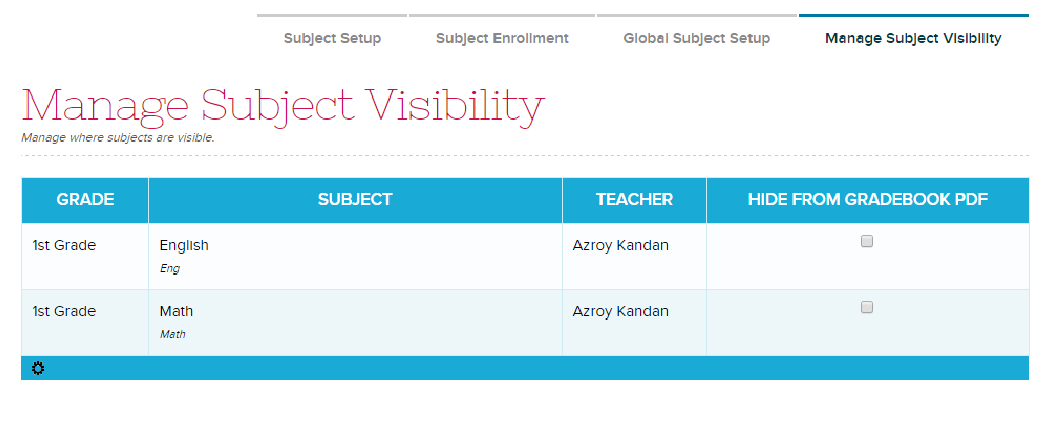
This feature is only enabled on demand, so please contact our technical support personnel for access to this feature. Once enabled, you will have access to the “Subject” > “Manage Subject Visibility” menu where you can indicate which subjects to hide from the student record:
Manage Subject Visibility
Clicking on a check box automatically saves your configuration. You can test it out by opening the student record, and seeing if the subject appears on the Gradebook tab, or on the Gradebook PDF.
At QuickSchools, we try really hard to be a one-stop shop when it comes to school management, with no hidden fees. Many of our schools are able to sign up for a trial, subscribe, and then use the software month-over-month completely on their own, sometimes even without using our awesome Live Chat support. Our software is pretty easy-to-use for many small schools.
But there are always schools that want to go the extra mile, and go beyond the existing off-the-shelf functionality and self-service customizations that are built into the software. And for those types of schools, we do offer several options for additional customizations and value-added services like online training and rollout support, as well as data migration services. We can even build custom apps for you.
Here are some examples of items / functions that work off-the-shelf, but can also be customized for an additional fee:
Report Cards
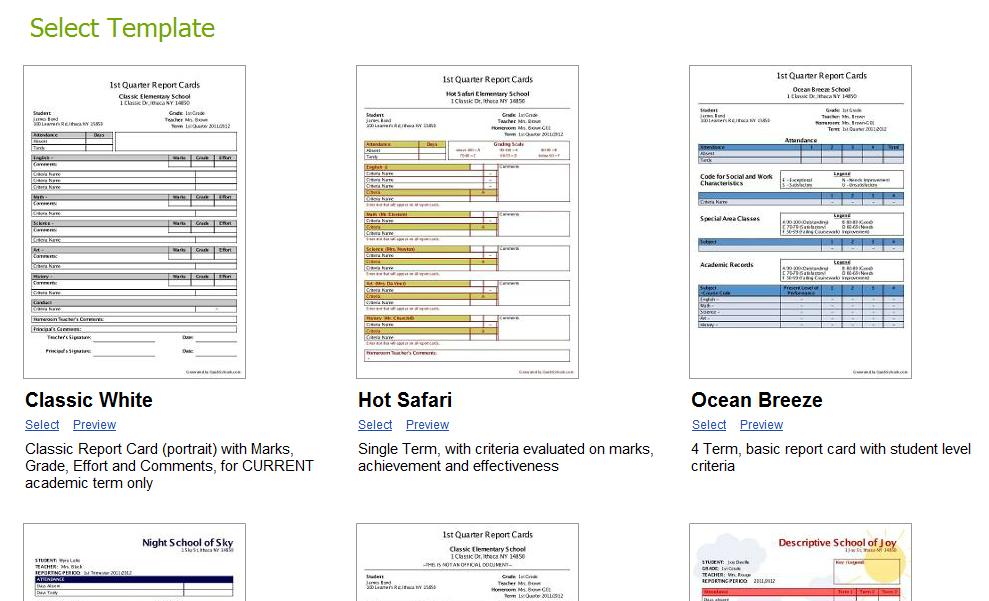
We have dozens of templates that are completely customizable. You can rename fields, hide sections, and even change the colors. But if you absolutely need to build a report card template completely from scratch, we can do that too. Learn more here:
Our Transcripts module works just like our Report Cards, with many readily available templates that can be configured by an administrator. But if needed, we can build brand new custom templates for your transcripts as well.
System-Generated PDF Files
QuickSchools is able to generate printable PDF files of a wide variety of documents, including the Student Profile, Student Gradebook, and Financial Documents (like Statements, Invoices and Receipts). These documents can be customized for individual schools.
Printed PDF Gradebook with Comments
Admissions Embedded Online Form
Our built-in embedded online forms for Admissions Inquiries and Applications are designed to pick up the Cascading Style Sheet (CSS) from your website. But if you wanted to style the form with additional CSS or even Java Script, and you don’t have the expertise to do it yourself, we can do this for you for an additional fee as well.
We’re happy to announce that we now have the ability to directly import data to your QuickSchools Gradebook via Excel. This feature is still in beta, so please feel free to request for it via email, and we can turn it on for you.
Once the import functionality is enabled, an “Import” button will appear directly on your Gradebook:
Importing Gradebook Data from Excel
When you click on “Import” you will be prompted to select an Excel file from your machine, after which you will be asked to map columns from the Excel file with fields in the QuickSchools Database. The process works very similar to importing students and teachers from Excel:Read More »