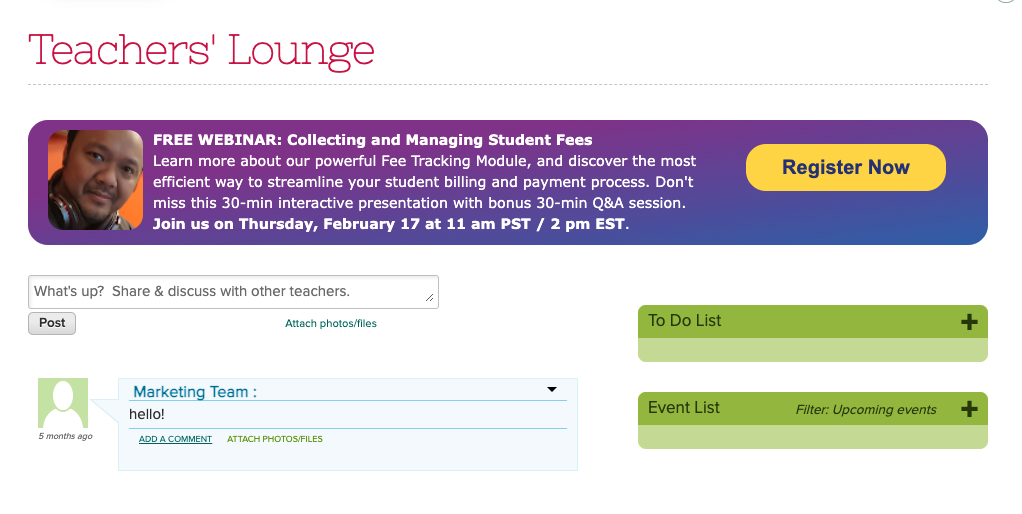
February 2022 Webinar: Collecting and Managing Student Fees

Thank you to everyone who attended our January webinar on Google Classroom Integration for Admins. We’re excited to see a healthy mix of new and returning attendees. We love to see the growth – it keeps us motivated to continuously improve our webinars!

As we resume our 2022 Webinar Series, we’ll be bringing you our webinar on Collecting and Managing Student Fees. This webinar will focus on our Fee Tracking module, which is one of our most popular modules. The Fee Tracking module provides an easy way for schools to charge tuition and fees, track payments, as well as manage invoices and receipts. In addition, schools are also able to streamline charges and payments for families.

QuickSchools’ Collecting and Managing Student Fees webinar was developed for school administrators. It is suitable for all levels of users. A few of the key discussion points include:

As per usual, this webinar is interactive. Post questions and answer polls during the 30-minute presentation session. Engage in more detailed discussion during the follow-up, 30-minute Q&A session.

The Collecting and Managing Student Fees webinar is scheduled for Thursday, February 17 at 11 AM (PST) / 2 PM (EST). Register by logging on to your QuickSchools account. The registration link is available on the Teachers’ Lounge page.
Note: Business vector of a webinar participant created by pikisuperstar – www.freepik.com

Thanks for Making Our Google Classroom Webinar a Success!

First, we’d like to thank everyone who attended the webinar on Google Classroom Integration for Admins on January 13th. We’re happy to be able to host our first 2022 webinar after a hiatus in December. We hope that you found the discussion helpful, and will continue to join us in future webinars.

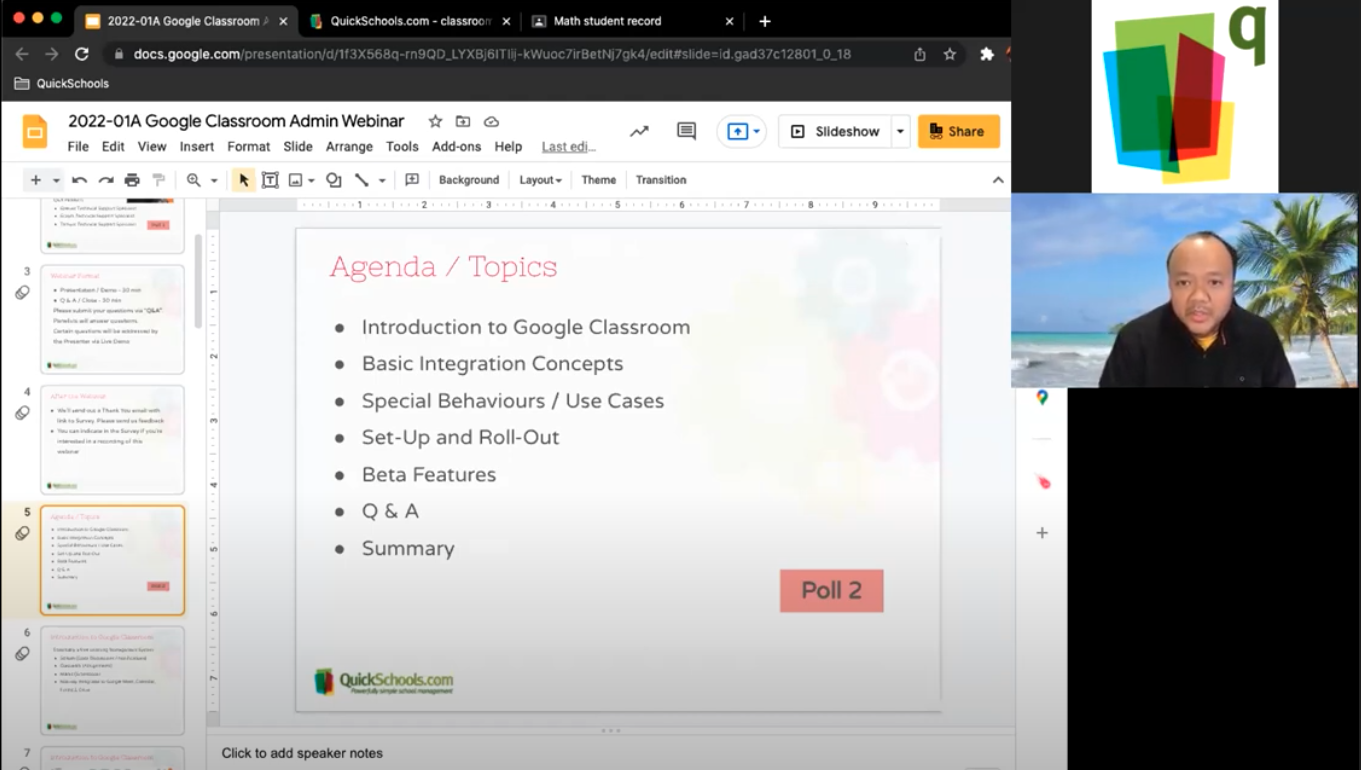
QuickSchools webinar on Google Classroom
Our webinar presenter – Azroy Kandan – getting back in the groove after a short break for the holidays.

For further questions, you’re welcome to chat with us directly via our Live Chat Support. We’d also like to highlight that our blog and Help Center contain a lot of information on the topic. A few key articles include:

Overview

Setting up Google Classroom on your QuickSchools platform

Synchronizing Google Classroom with the Gradebook – Basic || Advance

Troubleshooting Guide

Finally, we’re sorry to announce that we’ll be cancelling our webinar on Google Classroom Integration for Teachers due to low demand. This webinar was scheduled for the end of January. Instead, we’ll be moving forward with our February webinar – Collecting and Managing Student Fees. Stay tuned for more details.

Kickoff to QuickSchools’ 2022 Webinar Series

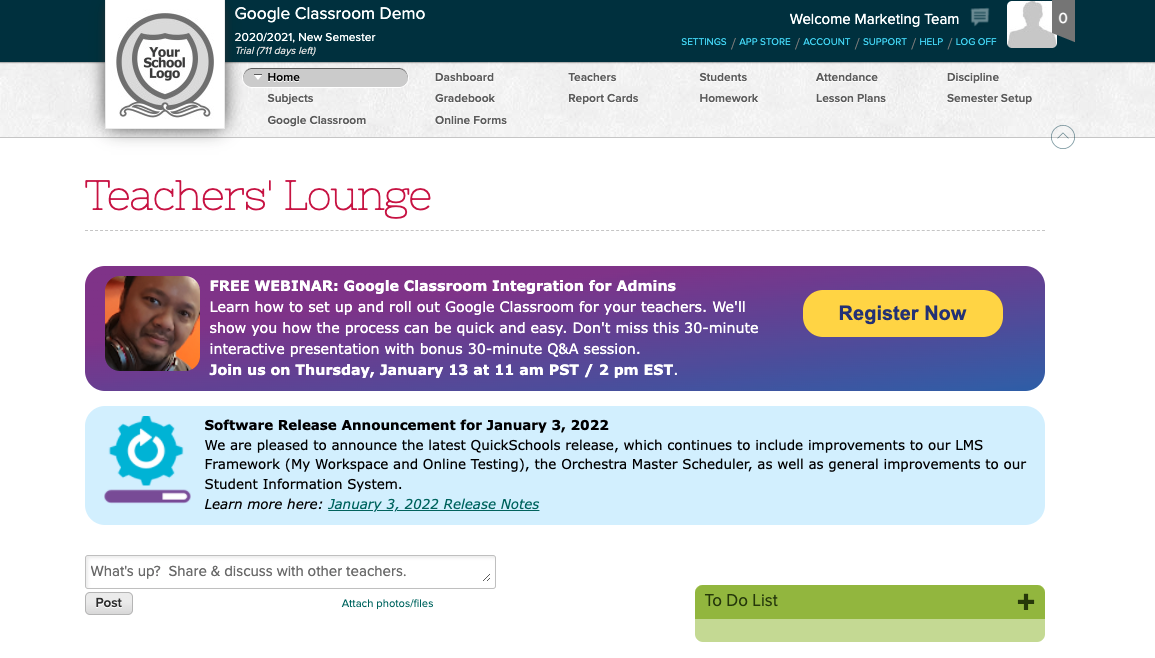
2022 is finally here! After a brief hiatus in December last year, QuickSchools is excited to bring back our monthly webinar series to our community.

We’ll kick off 2022 with one of our most requested webinars – Google Classroom Integration for Admins. This webinar will answer the following questions:

  • What is Google Classroom?
  • How does the integration work?
  • What are the quirks and limitations of Google Classroom integration with QuickSchools?
  • How do I set up and roll out Google Classroom on QuickSchools? Note: There’ll be a 10 min live demo on how to set up and roll out.

We’d like to emphasize that this webinar is geared for school administrators. We’ll be offering a separate Google Classroom webinar for teachers in the near future. More details to come later.

This webinar is interactive. Post questions and answer polls during the 30-minute presentation session. Engage in more detailed discussion during the follow-up, 30-minute Q&A session.

The Google Classroom Integration for Admins webinar is scheduled for Thursday, January 13 at 11 AM (PST) / 2 PM (EST). Register by logging on to your QuickSchools account. The registration link is available on the Teachers’ Lounge page.

Thank You & A Roundup of Posts on QuickSchools’ Transcripts Module

Thanks to everyone who attended the webinar on Creating Professional Transcripts with QuickSchools. It was a joy for us to host this event. We hope that you found it helpful.

Thanks to all participants for making our Transcripts webinar a lively event!

We sent out a follow-up email to all registrants requesting for feedback. We’d appreciate it if you could provide us with comments or suggestions so that we can improve our webinar series. Also, in case you missed joining the session or would simply like a copy of the recording, please let us know by checking off the relevant box in your reply form. Our team will send you a link to the recording.

We’d like to take this opportunity to highlight that our blog is a treasure trove of information. Here, we offer you a roundup of blog posts related to the Transcripts module:

Read More »

FREE WEBINAR: Creating Professional Transcripts with QuickSchools

We’re almost at the end of the year. This is the time when a majority of schools within the QuickSchools community will need to produce transcripts for recent graduates or for college admissions purposes. Keeping this in mind, QuickSchools’ November webinar will center on the Transcripts module. We’ll demonstrate how you can leverage the full capabilities of this module to create professional-looking transcripts. Join us for this FREE webinar and learn how to create transcripts that you can be proud of!

QuickSchools’ Creating Professional Transcripts webinar is geared towards school administrators, and suitable for all levels of users. We’ll first provide an overview of the basic features in the Transcripts module, before covering more intermediate and advanced concepts. Key discussion points include:

  • Transcripts overview: general behavior of the Transcripts module
  • Transcripts configurations and customizations
  • Administrative capabilities: advanced search, bulk print/download and reporting data
  • Live demo showcasing different styles of transcripts available in the QuickSchools library

We hope that you’ll take advantage of our interactive webinar. Post questions and answer polls during the 30-minute presentation session, and discuss further details during the follow-up, 30-minute Q&A session.

This webinar is scheduled for Thursday, November 18th at 11 AM (PST) / 2 PM (EST). School administrators can sign up by logging in to their QuickSchools account. The announcement and registration link are available on the Teachers’ Lounge page.

Teachers who are interested in attending this webinar can register by sending an email to support@quickschools.com.

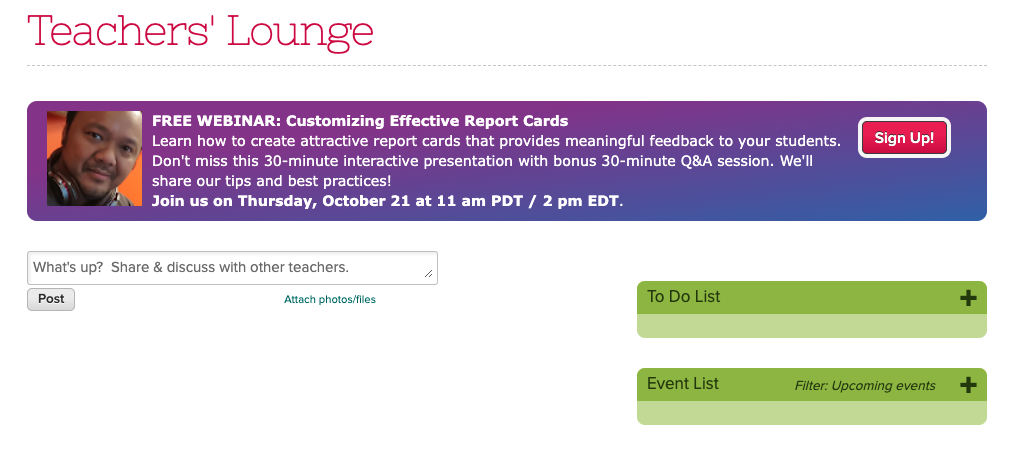
FREE WEBINAR: Customizing Effective Report Cards with QuickSchools

We’re at that time of the year when teachers need to look back and list topics that were covered in each subject, as well as areas that could use improvements or enrichments. Yes, in other words – it’s report card season!

QuickSchools, as always, continues to support your school’s teaching, learning, and administrative needs. As part of our services, we’re offering a FREE webinar for school administrators on how to produce elegant report cards that will also provide essential feedback to students and their parents.

QuickSchools’ Customizing Effective Report Cards webinar is suitable for all levels of users. We’ll first provide an overview of the basic features in the Report Cards module, before covering more intermediate and advanced concepts. Key discussion points include:

  • Report Cards basics: linking sessions and courses, working with the Gradebook
  • Customizing the Report Cards template
  • Working with single term and multiple term Report Cards
  • Advanced Report Cards features: subject specific criteria, student-level criteria and standards

We hope that you’ll take advantage of our interactive webinar. Post questions and answer polls during the 30-minute presentation session, and discuss further details during the follow-up, 30-minute Q&A session.

This webinar is scheduled for Thursday, October 21st at 11 AM (PDT) / 2 PM (EDT). Log on to your QuickSchools account to register. You’ll see the announcement and sign-up link on the Teachers’ Lounge page.

* Business vector created by stories – www.freepik.com *

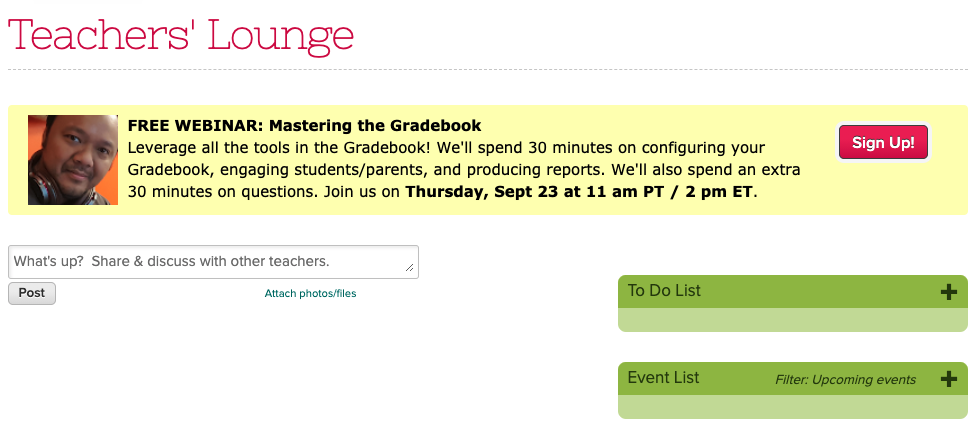
FREE WEBINAR: Mastering the Gradebook

Classes are underway. Things are (finally) settling down…

First and foremost, if you’re a part of the QuickSchools community, we’d like to thank you for your trust in us. We’re honored to be given the opportunity to partner with you.

Teaching is hard, and we like to think of ways to help out as best we can. As part of this effort, we’re continuing with our monthly webinar series. The September webinar will focus on the Gradebook module. We’ll show you how to leverage the Gradebook so you can easily monitor student progress and provide optimal feedback.

QuickSchools’ Mastering the Gradebook webinar was developed with teachers in mind. It is suitable for all levels of users. We’ll go through a brief overview of basic Gradebook activities, before moving on to intermediate and advanced topics. Key discussion points include:

  • Gradebook basics: adding columns and formulas, and grading (re-normalizing and weighted grades)
  • Configuring the Gradebook settings: icons and optional tools
  • Communicating with students and parents: sharing feedback, and private vs public comments
  • Transferring grades from the Gradebook to the Report Cards
  • Alternative grading: Standards-based and Self-paced

This webinar is interactive. Post questions and answer polls during the 30-minute presentation session, and discuss topic further during the follow-up, 30-minute Q&A session.

QuickSchools’ Mastering the Gradebook webinar is scheduled for Thursday, September 23rd at 11 AM (PDT) / 2 PM (EDT). Register by logging onto your QuickSchools account. You’ll see the registration link on the Teachers’ Lounge page.

See you there!

Thanks For Attending Our August 2021 Webinar!

Thanks to everyone who attended the webinar on Getting Ready for the New Academic Year with QuickSchools. We hope that you found the webinar to be helpful.

Putting his game face on – Azroy Kandan (webinar presenter and Head of Support) – fielding questions from participants

We sent a follow-up email to all registrants. However, if you missed the session or would simply like a copy of the recording, please let us know by filling in the survey included in the follow-up email. Our team will send you a link to the recording once it’s available.

If you’d like a copy of the presentation slides, we have that here for download:

Even though the dust has barely settled, we’re already planning for our next webinar on Gradebook. Keep a look out for a detailed announcement in early September. Until then, stay safe!