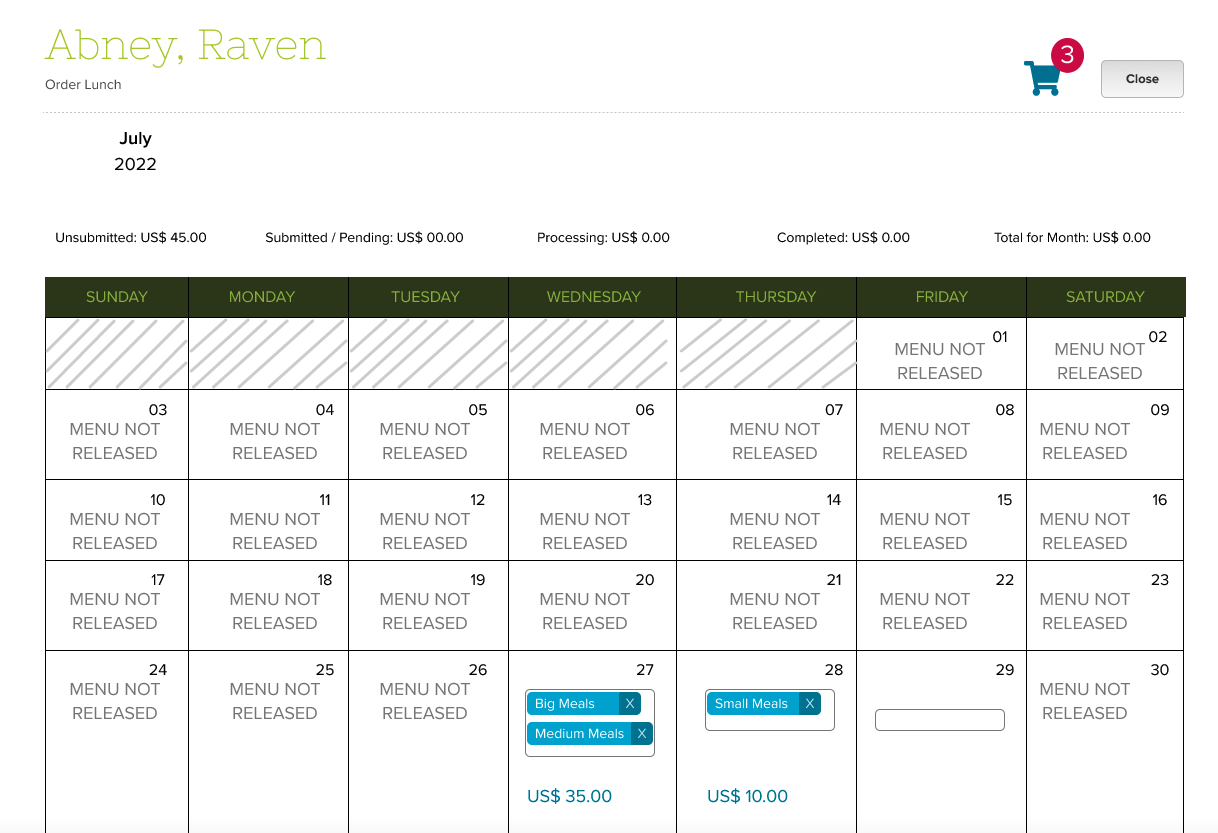
This article describes how parents can use the new Lunch Ordering App (with Shopping Cart) to submit and pay for orders online on the QuickSchools Parent Portal.
The summary of steps are as follows:
- Go to the “Lunch Ordering” menu
- Select a Student
- Select Meal(s)
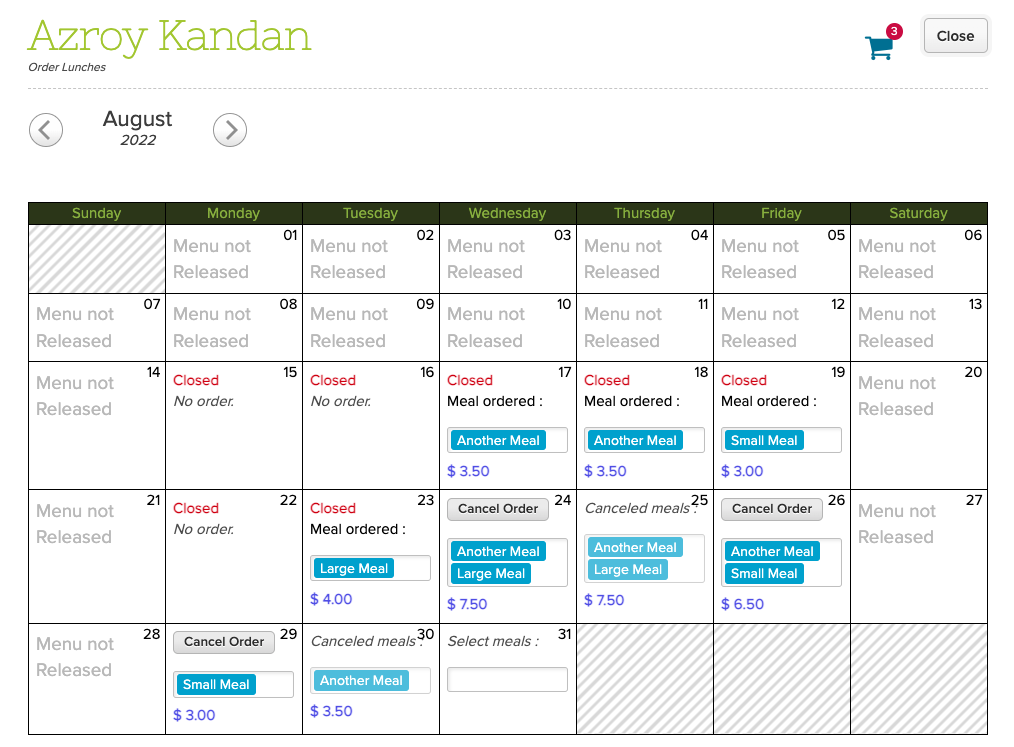
- Click on the Shopping Cart to Check out
- Click “Pay Now” and follow the checkout process
- Enter Credit Card information (or select a previously saved credit card)
- Confirm credit card details
Select a Student
The Lunch Ordering screen will list all students you have access to on the Parent Portal:

Click on a student to begin the process.
Select Meal(s)
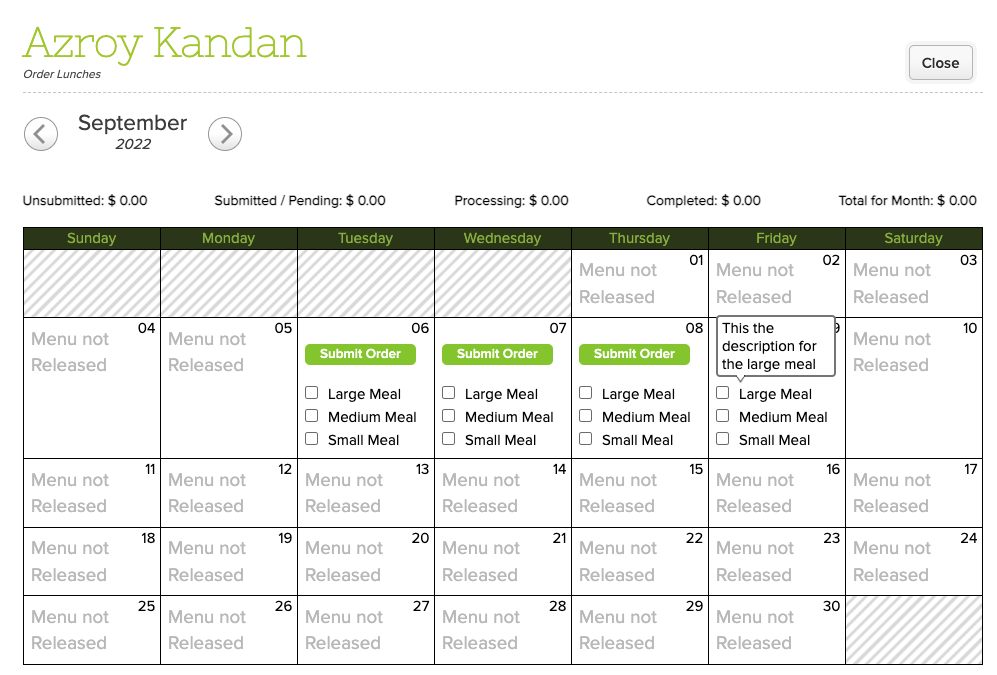
This screen shows all the available meals to be purchased. Simply click on a the checkbox to add a meal to the shopping cart:
Read More »