Thank You for Attending our Webinar on Engaging Students and Parents!

We would like to thank all those who attended our webinar on Engaging Students and Parents. We hope that you gained a lot of useful information and enjoyed your time with us.
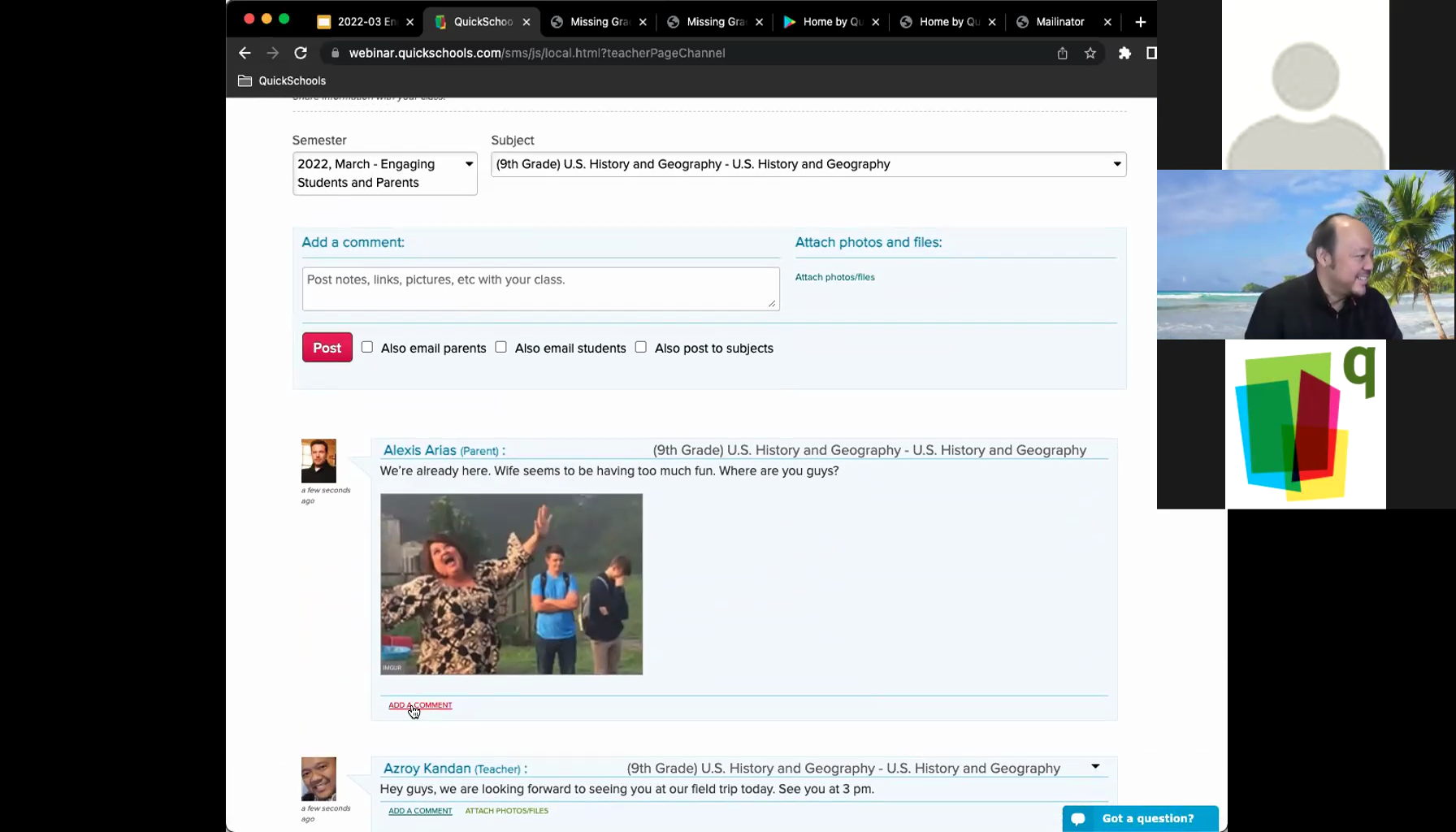
We had fun showing off our Class Discussion feature during the webinar

We sent out a follow-up email along with a survey form to all registrants. We would appreciate it if you could fill-in and return the survey form to us. Your comments and suggestions will help us improve future webinars. If you were unable to attend and/or would like a copy of the recording, please let us know by checking off the appropriate box in the survey form.

The presentation slides are available to all interested parties. Feel free to download a copy by clicking the button below.

If you have further questions, you can reach out to us via our Live Chat Support or email us directly at support@quickschools.com. We also have various how-to guides and answers to FAQs available in our Help Center.

We hope that you will decide to join us in our April webinar – Connecting to Prospective Students and Families. This webinar is scheduled for April 21st, and we will be focusing on our Admissions and Online Forms module. Registration will be opening soon!

Roundup: What You Need to Know About Engaging Students and Parents via QuickSchools

QuickSchools offers various ways for Teachers to share information and engage with Students and Parents. In this post, we’ll be presenting a roundup of these features to give you an overview of what we have to offer. 

Listed below is a collection of the most relevant blog posts:

Gradebook

Class Discussions

Mass Messaging

Private Messaging

App Store

QuickSchools offers a variety of add-on Apps via our App Store. A few of the most in-demand communication apps include:

Online Assignments App

Miscellaneous Apps

If you’re interested in learning more about the aforementioned features, join us in our upcoming Engaging Students and Parents webinar. You’ll have the chance to see a live demo and ask questions.

Please note that this webinar is geared towards teachers. In addition, all users levels (from beginners to advanced) are welcome. Book a slot for yourself by logging on to your QuickSchools account and signing up from the Teachers’ Lounge page.

We look forward to seeing you!

March Webinar: Engaging Students and Parents


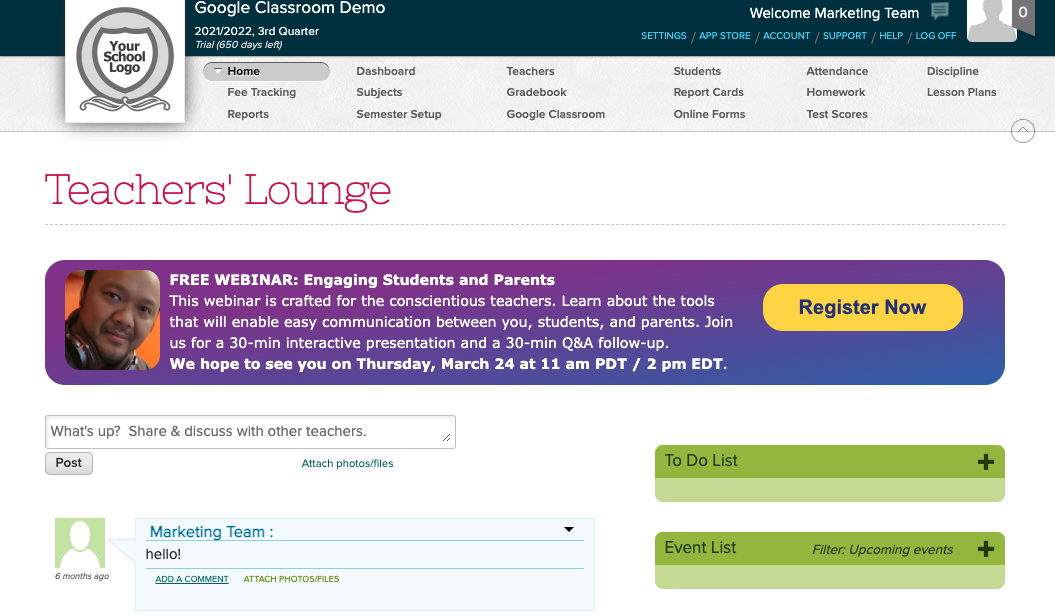
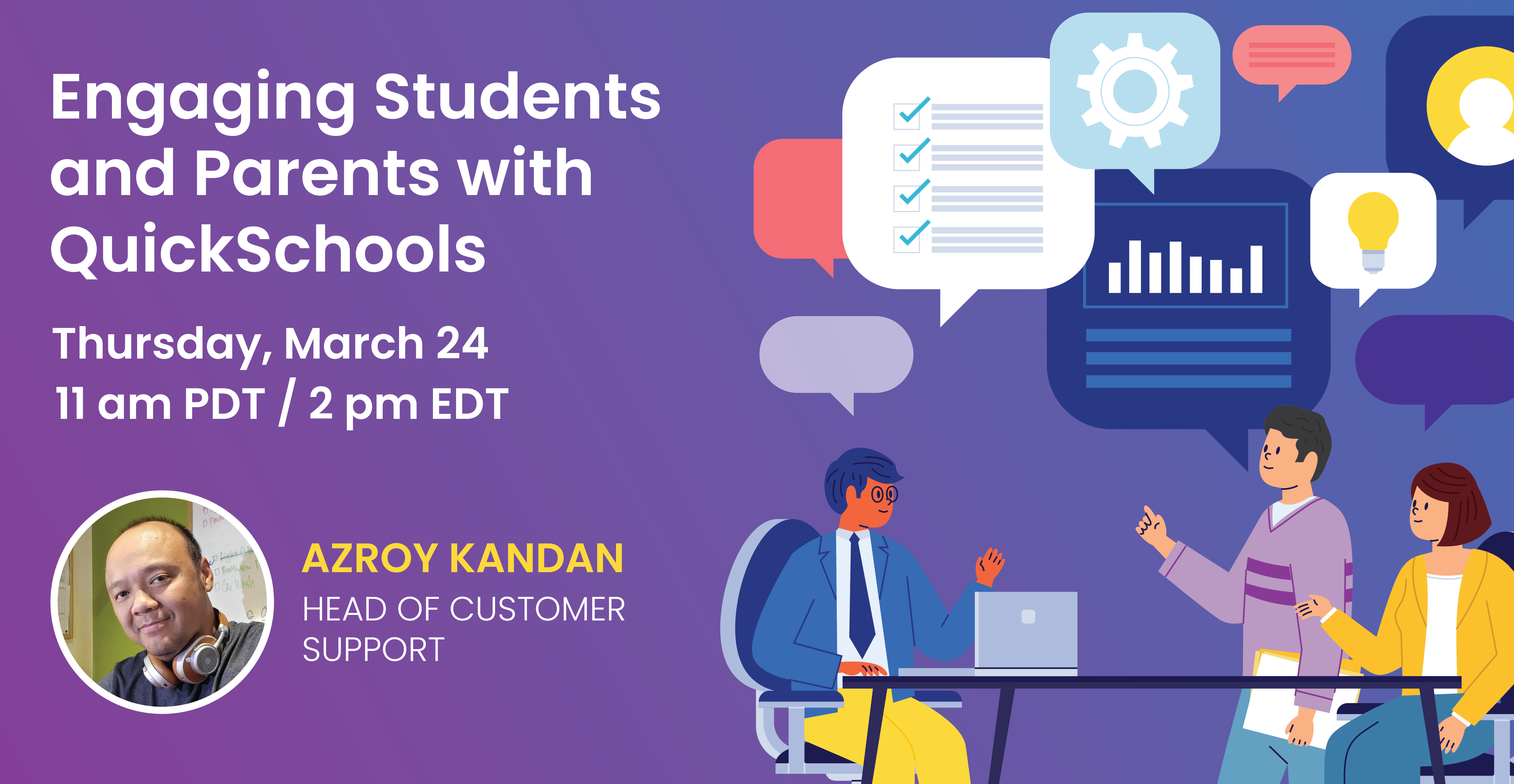
We’re excited to announce our upcoming March webinar – Engaging Students and Parents. This is our first webinar in 2022 that’s dedicated to teachers. It’s also a newly developed webinar, crafted to help teachers effectively communicate with students and parents. 

This webinar is suitable for all levels of users. Key discussion points include:

As per usual, our webinar is interactive. Post questions and answer polls during the 30-minute presentation session. Engage in more detailed discussion during the follow-up, 30-minute Q&A session.

Engaging Students and Parents is scheduled for Thursday, March 24 at 11 AM (PDT) / 2 PM (EDT). Register by logging on to your QuickSchools account. The registration link is available on the Teachers’ Lounge page.


Don’t forget to join us. We look forward to seeing you!

Roundup: What You Need to Know About QuickSchools’ Fee Tracking Module

fee tracking blog roundup with quickschools

The Fee Tracking module is one of our most popular modules, and we’ve written extensively about its many features. Over the years, there has been a substantial accumulation of knowledge on this module. This build-up, along with the upcoming Collecting and Managing Student Fees webinar, necessitated a Fee Tracking blog roundup.

In this post, we share the most relevant Fee Tracking articles that will add value to the QuickSchools community. The content presented below provides a basic overview of the module, and covers the most used and useful features. So without further ado, let’s take a look…  

Overview of Fee Tracking Features

Charging Fees

Collecting Payments

Communicating with Students and Parents (Email Templates)

And we simply can’t resist a stroll down memory lane with this very first blog post announcing the Fee Tracking module about a decade ago! 🎉🎊

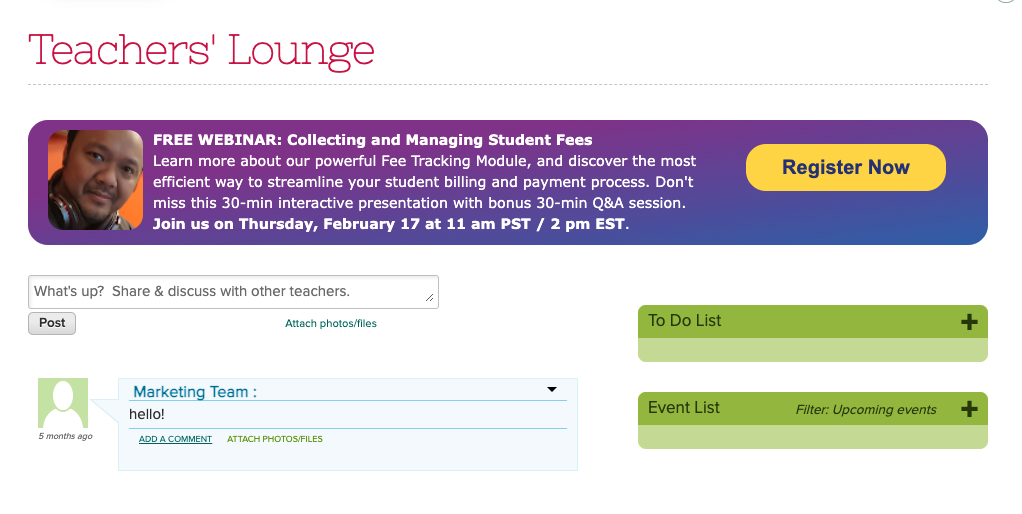
We’d like to remind the QuickSchools community that our upcoming webinar – Collecting and Managing Student Fees – focuses on the Fee Tracking module. This webinar is scheduled for February 17, 2022 at 11 am PST / 2 pm EST.

quickschools webinar with collecting and managing student fees

This webinar is the perfect time for you to see a live demo and/or ask questions. Book a slot for yourself by logging on to your QuickSchools account and signing up from the Teachers’ Lounge page.

We look forward to seeing you!

February 2022 Webinar: Collecting and Managing Student Fees

Thank you to everyone who attended our January webinar on Google Classroom Integration for Admins. We’re excited to see a healthy mix of new and returning attendees. We love to see the growth – it keeps us motivated to continuously improve our webinars!

As we resume our 2022 Webinar Series, we’ll be bringing you our webinar on Collecting and Managing Student Fees. This webinar will focus on our Fee Tracking module, which is one of our most popular modules. The Fee Tracking module provides an easy way for schools to charge tuition and fees, track payments, as well as manage invoices and receipts. In addition, schools are also able to streamline charges and payments for families.

QuickSchools’ Collecting and Managing Student Fees webinar was developed for school administrators. It is suitable for all levels of users. A few of the key discussion points include:

As per usual, this webinar is interactive. Post questions and answer polls during the 30-minute presentation session. Engage in more detailed discussion during the follow-up, 30-minute Q&A session.

The Collecting and Managing Student Fees webinar is scheduled for Thursday, February 17 at 11 AM (PST) / 2 PM (EST). Register by logging on to your QuickSchools account. The registration link is available on the Teachers’ Lounge page.

Note: Business vector of a webinar participant created by pikisuperstar – www.freepik.com

Thank You & A Roundup of Posts on QuickSchools’ Transcripts Module

Thanks to everyone who attended the webinar on Creating Professional Transcripts with QuickSchools. It was a joy for us to host this event. We hope that you found it helpful.

Thanks to all participants for making our Transcripts webinar a lively event!

We sent out a follow-up email to all registrants requesting for feedback. We’d appreciate it if you could provide us with comments or suggestions so that we can improve our webinar series. Also, in case you missed joining the session or would simply like a copy of the recording, please let us know by checking off the relevant box in your reply form. Our team will send you a link to the recording.

We’d like to take this opportunity to highlight that our blog is a treasure trove of information. Here, we offer you a roundup of blog posts related to the Transcripts module:

Read More »