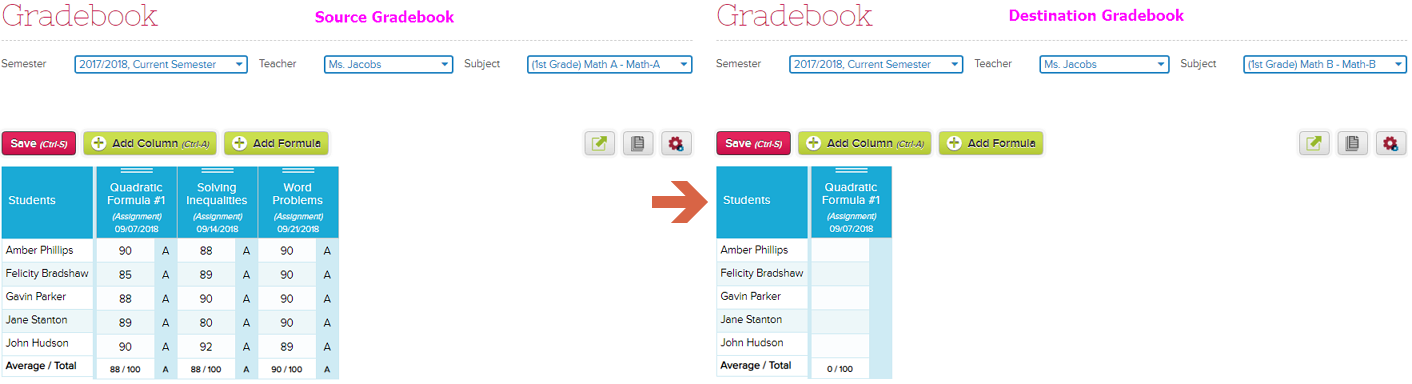
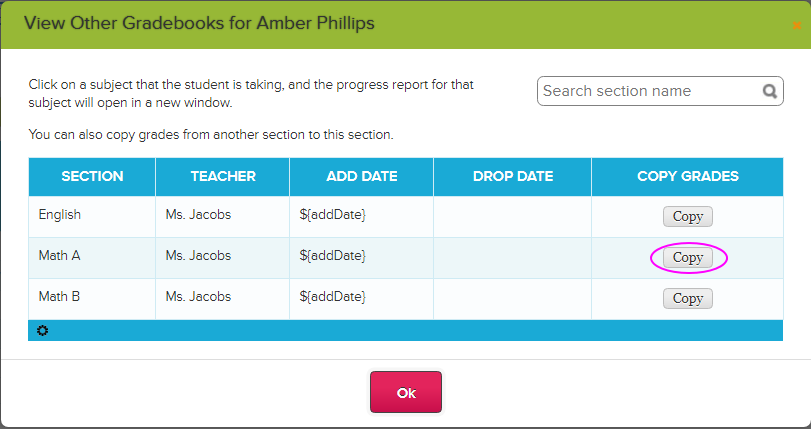
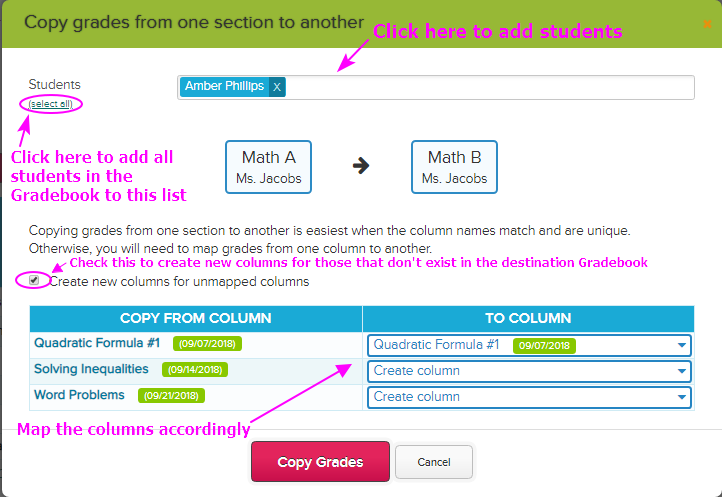
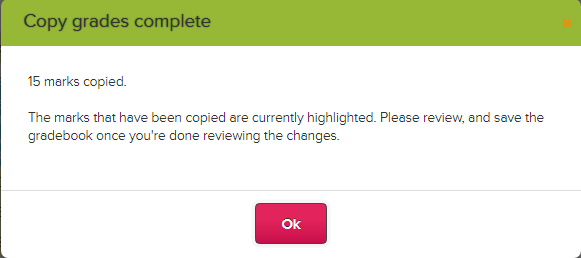
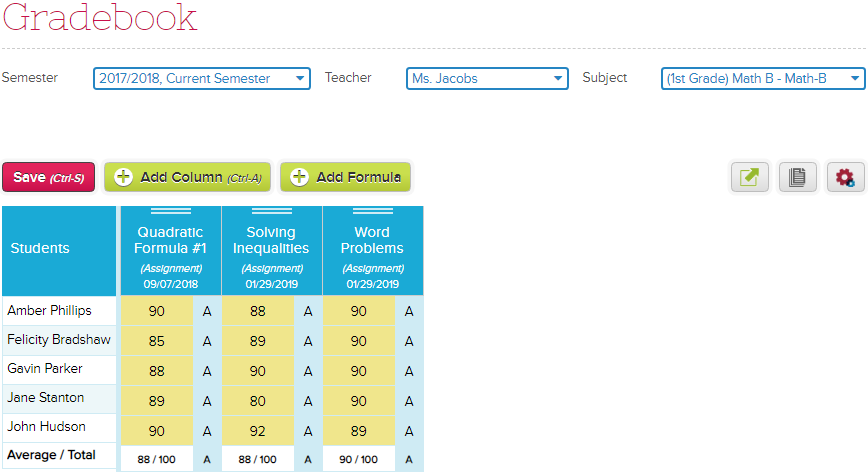
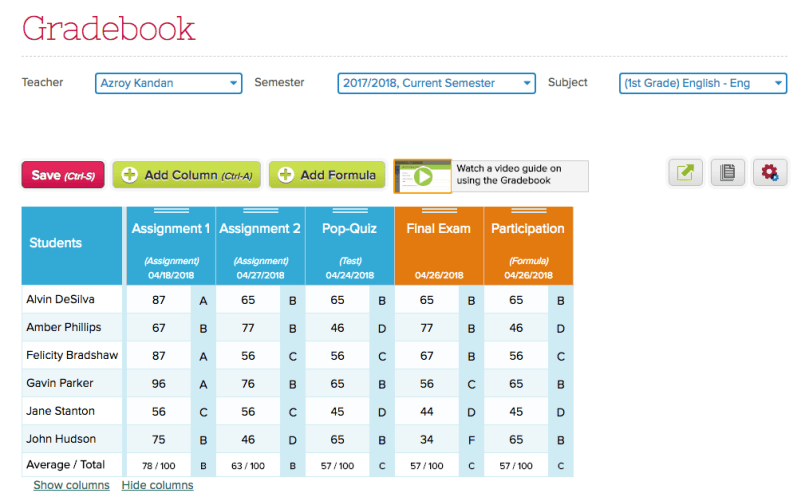
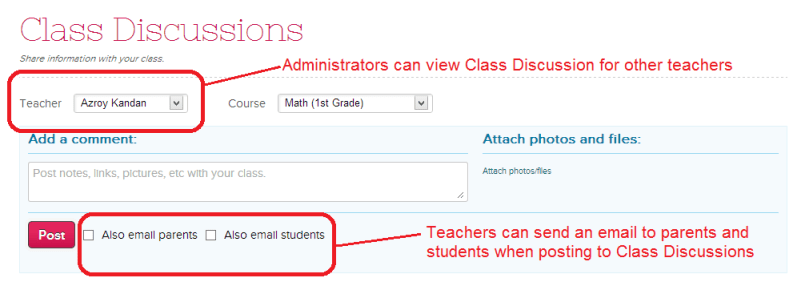
Choosing the right digital gradebook for teachers is essential for effective classroom management. Gradebook software for classroom management streamlines grading, improves accuracy, and enhances communication with students and parents. In this post, we’ll explore key features to look for when you are a QuickSchools user.
If you’re using the QuickSchools Gradebook, here are some tools available to you as a teacher. Just click on the paper icon on the top right corner of the screen:

This will bring up the following screen:

Print Gradebook
This feature is useful if you want to print and post grades outside the classroom. When using this function, there are several option to configure the layout as well as what information is displayed:
Read More »