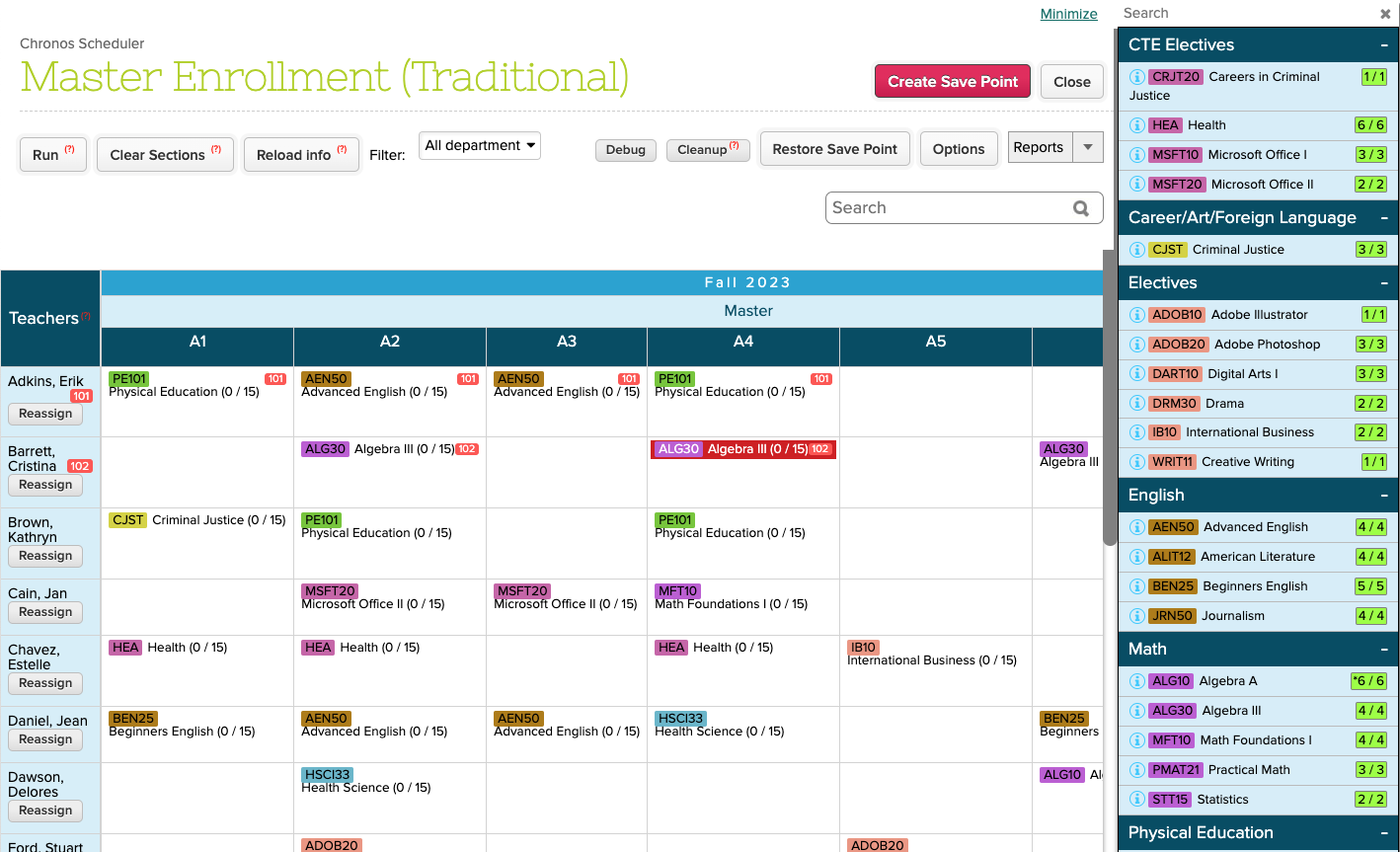
We’re back to a normal flow for engineering improvements. Today’s QuickSchools release focuses on the Gradebook, with some minor improvements to the Master Scheduler, Attendance and API.
Full list of improvements are below:
Master Scheduler
- Relabel Step 4 button to “Import External IDs”
- Relabel the “Lock Sections” checkbox in Step 2 to be more descriptive
- Bug Fix “Bulk Course Requests” in Step 2 for locked course requests in previous Enrollment Periods
- Bug Fix Advanced Search in Step 5 for Students with unassigned duplicate course requests
Gradebook Improvements
- Low Grade Alert for Gradebook (see below)
- Gradebook expanded option to share or copy columns between different subjects
- Bug Fix Minimum Score from Admin Column
- Option to submit grades from ALL gradebooks to Report Cards (Beta)
- Option to bulk show/hide Gradebook in “Manage Subject Availability” (Beta)
Other Beta Improvements
- API Improvements for Engage CRM and Mobile
- Option to Bulk Set Attendance for Subject-Based roster
- Report Creator support for Total Attendance by Period
- Bug Fix Teacher Listing when a school is removed from a Group School
Low Grade Alert
We have a new Alert for the Gradebook, allowing you to notify parents of low grades. This feature currently works only for the default Grading Scale. Here’s how it works:
- Enable the School-wide Alert under “School Profile”
- Configure the low grades under “Grading Setup”
- Notification for teachers when saving the Gradebook
- Notification for Parents
- Opting out of alerts for Parents
Enable the School-wide Alert
Under “Settings” > “School Profile”, there is a setting under “School-wide Alert Settings” for “Gradebook – Low Grade Alert”:

The alert is disabled by default. You can opt parents in or out by default. Parents can still opt in/out individually once the feature is enabled.
| NOTE: This first version currently supports Email Alerts only. In the near future, we’ll be adding support for this alert to the “Home by QuickSchools” Mobile App |
Configure the Low Grades
Under “Grading Setup”, there is a new setting called “Low Grade Alerts” where you can configure the Letter Grades and Codes that warrant an alert:
Read More »