Google Classroom Synchronization Profiles

As mentioned in our New Release – March 22, 2021, we have added a new feature to our Google Classroom Integration — Synchronization by Profile.

THIS IS A BETA FEATURE: To have this feature enabled, please contact our Support Team.
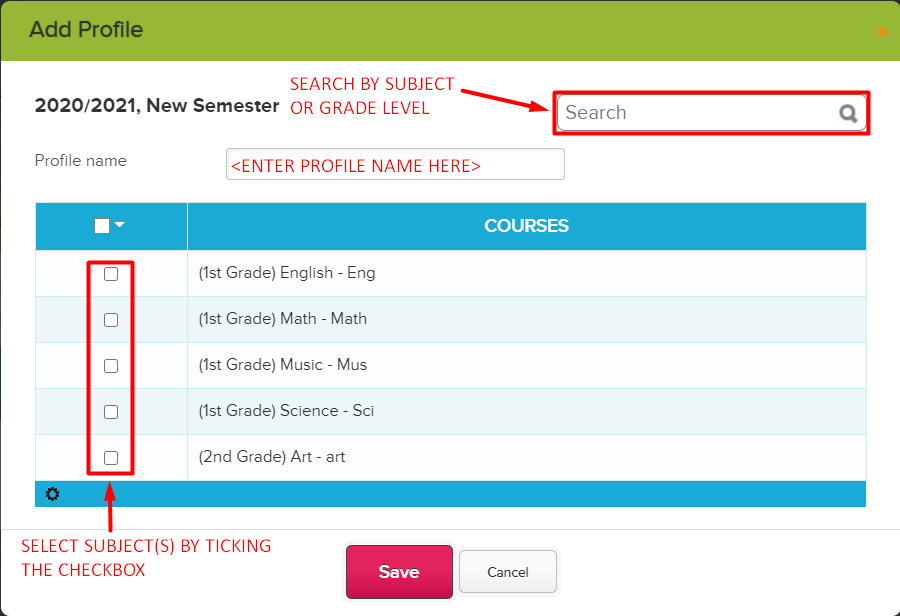
This feature allows you to synchronize your Google Classroom courses in batches. This is ideal for schools will a large number of students and courses.

Some things to note about this feature:

  • Profiles are dependent on the courses being mapped under STEP 3.
    • Courses that aren’t mapped in STEP 3, will not be available in the Profile
    • If a course is unmapped in STEP 3, the course will also be automatically removed from the Profile.
    • When courses are remapped in STEP 3 at the start of a new semester, the Profile will also need to be updated with the latest mappings. Mappings from the previous term will no longer apply.
  • To avoid the sync getting timed out, we recommend having a maximum of 35 courses per Profile.
  • Multiple Profiles can be scheduled to be synced at the same time. However, each profile will be synchronized one at a time.

To know more about our Google Classroom Synchronization Profiles, see our Support Article linked below:

Our Webinar Series Carries On…

As part of our Webinar Series for March, we recently completed two webinars on the topic of Google Classroom Integration — one for Administrators; and another for Teachers.

Our series continues with two more webinars this coming April, the first of which will be for Administrators. This first webinar for April will discuss our Admissions module.

The next webinar to keep an eye out for will be for Teachers, where we’ll go over our Gradebook module.

Come join us, and learn how to track and engage prospective students. Simplify the way you evaluate and admit new students into your institution.

The admissions webinar will be held on the 6th of April, at 01:00 PM (EST). Administrators can register to the webinar by clicking on link available once you log into QuickSchools (Limited Spaces available). See you guys there!

Online Forms: Electronic Signature

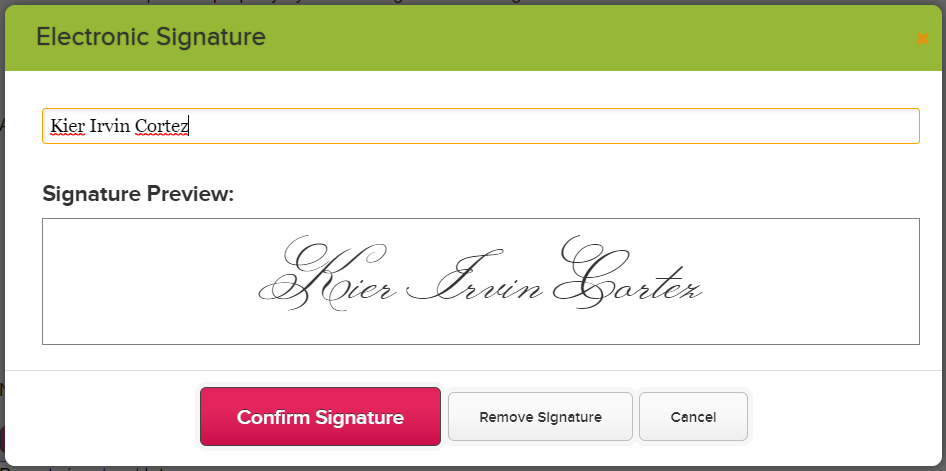
As most of you know, our Online Forms App allows you to add Fillable PDF Forms to your online form packet. To further allow your forms to go paperless, the online forms also allows users to add their electronic signature into the pdf form. This is useful for situations where you need a contract signed by the students as well as by the school.

Setting up Online Forms Signature

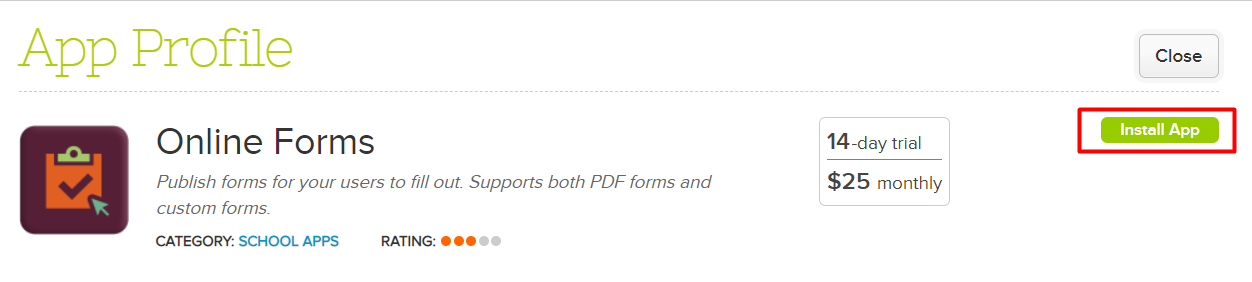
If you have not yet installed the Online Forms App in your QuickSchools account, you can do so via our App Store — search for Online Forms and click on Install

Once the app has been installed and configured, we would need to enable SVG for the online forms. This will allow Cross-Browser Compatibility and allow you to add digital signatures to the form. This is currently a hidden feature. To have this enabled please send us an email at support@quickschools.com

After SVG has been enabled for your account, we can now start setting up our Online Form Packet. Please note that when configuring the Online Form Packet, enable the One Form per Child option. This will allow parents to send a form per child, and allows any mapped information to be automatically filled (i.e. Student Data):

Read More »

Online Form Reference Numbers Report

QuickSchools has just released a new Summary Report for the Online Forms App — Online Form Reference Numbers Report. This report is available for all users with access to the Online Forms Reports, and is ideal for schools that use Public Online Forms.

If you do not have access to the Online Forms Reports, you can enable this by going to App Store > My Apps tab, and click on “Configure” in the Online Forms app. In the configuration window, enter the user or role in the “Who can view Summary Reports” option and Save.

Online Forms Configure

Online Forms Configuration

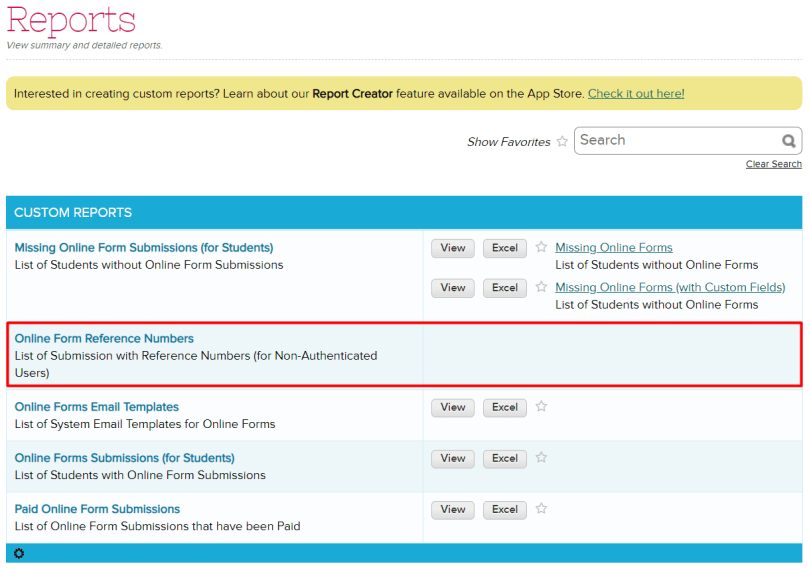
Once this has been enabled, go to Reports, and search for “Online Form Reference Numbers”.

Online Forms Report

Here is what the report would look like:

Online Forms Reference Number Report

This report can be filtered by Online Form Packet, Student Name, and Submission. If you have suggestions for more reports, please feel free to reach out to our support team.