In a previous post, we talked about building an App on Zapier, in order to integrate QuickSchools with Zapier. This previous initiative was to allow schools to build their own integration, using the existing API Resources offered by QuickSchools. However, after working with several schools on this, we’ve decided to work on building our own QuickSchools App in Zapier, for schools to use more easily.
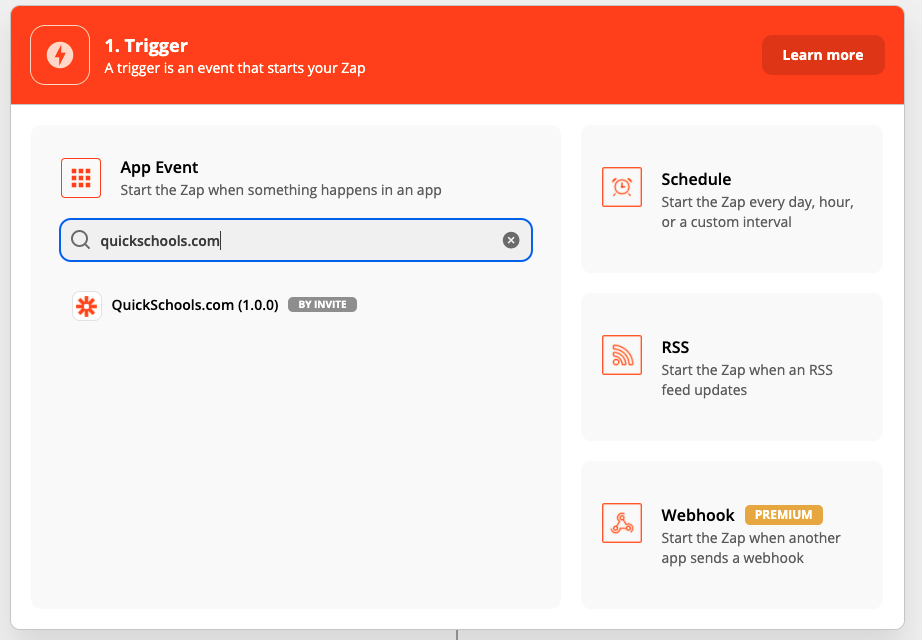
Finding the QuickSchools.com App in Zapier (by Invite)
The current QuickSchools app is currently a private app, and can only be accessed by invitation. If you’re interested in this app, please contact our support team for access.
Once you’ve accepted access to the QuickSchools App in Zapier, you will need to enter your API Key, in order to link your QuicKSchools account with Zapier:
We are building a new feature called Period Zero Attendance, or Daily-Equivalent Attendance. What this essentially means is that QuickSchools will track and report a daily attendance equivalent, based on period or subject-based attendance. This will be an optional feature for schools that track period or subject-based attendance.
How does it work?
Schools will continue to take attendance by period or subject. However, for every school day, each student will be marked with an equivalent daily attendance. So for example, if a student is marked present for 5 out of 7 periods, QuickSchools will convert this to a daily equivalent, based on certain rules. As a result, the student may be marked Present, Absent, Tardy or Half Day Present for the day.
This daily attendance will be stored in Period Zero (hence the name “Period Zero Attendance”). When reporting attendance, the system will use / display the Daily Attendance by default. And the period / subject attendance is merely recorded for tracking / informational purposes only.
How will the Daily-Equivalent be calculated?
By default, the QuickSchools will use the FIRST attendance record as the Daily Attendance. This means that if a student is absent for the first period, but present for the remaining periods, the student will be marked as Absent by default. An administrator can then change the Daily Attendance to Present or Half Day Present based on rules set by the school.
Later on, we will provide different default calculation methods. Some possible options we are considering:
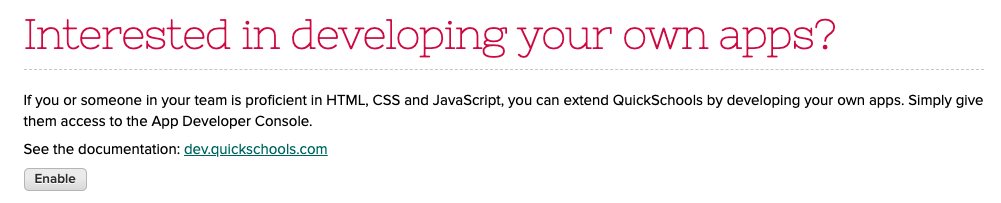
Did you know that you can build apps / modules as well as integrations with QuickSchools? To do this, you’ll need to enable the App Developer Console in QuickSchools. You can enable this feature by scrolling down to the bottom of the Settings / Features page:
Enable App Developer Console for building Apps in QuickSchools
There are 3 options available under the “App Developer Console” which can be enabled:
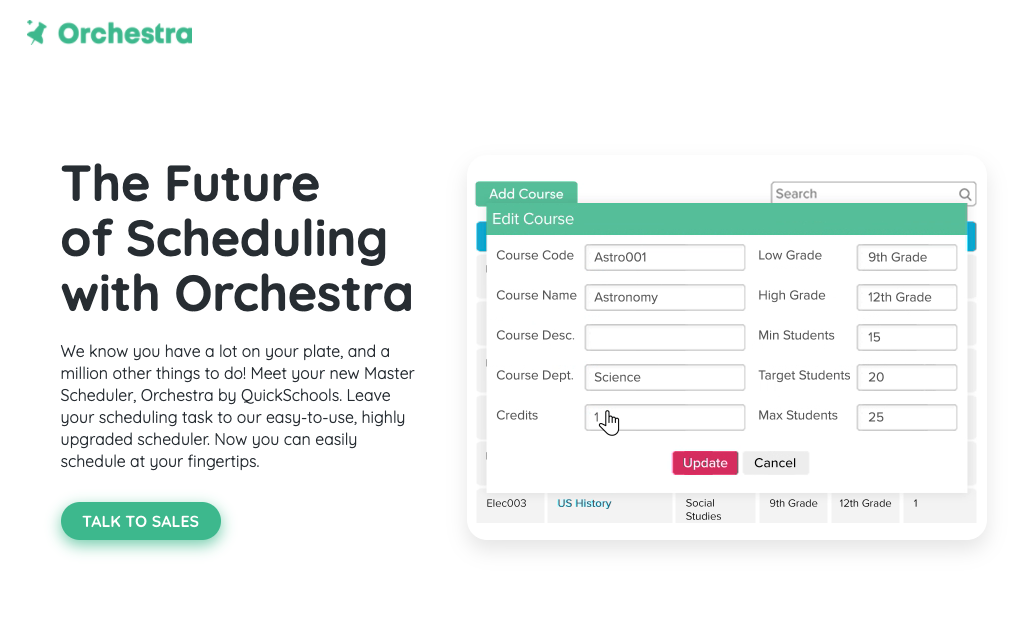
Orchestra will maintain the same simplicity and ease-of-use that has been synonymous with the QuickSchools brand. You will find many common elements between the two brands to maintain consistency in the user experience and of course, Orchestra too comes included with our awesome Live Chat support.
Several minor improvements for this release, plus a few general improvements to our Master Scheduler. Here are the latest improvements in QuickSchools:
When re-assigning sections to another teacher, you can now view/select which sections to re-assign in the Master Scheduler
Master Scheduler Improvements
Refactor Screens for standalone Orchestra Master Scheduler Plan
Expand support for Constraints (by row and column)
Improve how sections are re-assigned
Improve Summary Report support for Master Scheduler
Improve flow for deleting courses
Support Bulk Removal of Course Requests by Report
Support multiple sections in a single period, in student PDF
Miscellaneous bug fixes
Other General Improvements
Include attachments when copying Lesson Plans
Improve Google Drive Integration support for large data sets
Improve how Summary Reports are run concurrently
Support Gradebook Category in Report Creator
Fix initial authentication connection to Canvas
Fix Delay when Changing Password
Fix Time Zone Difference when creating Live Stream events
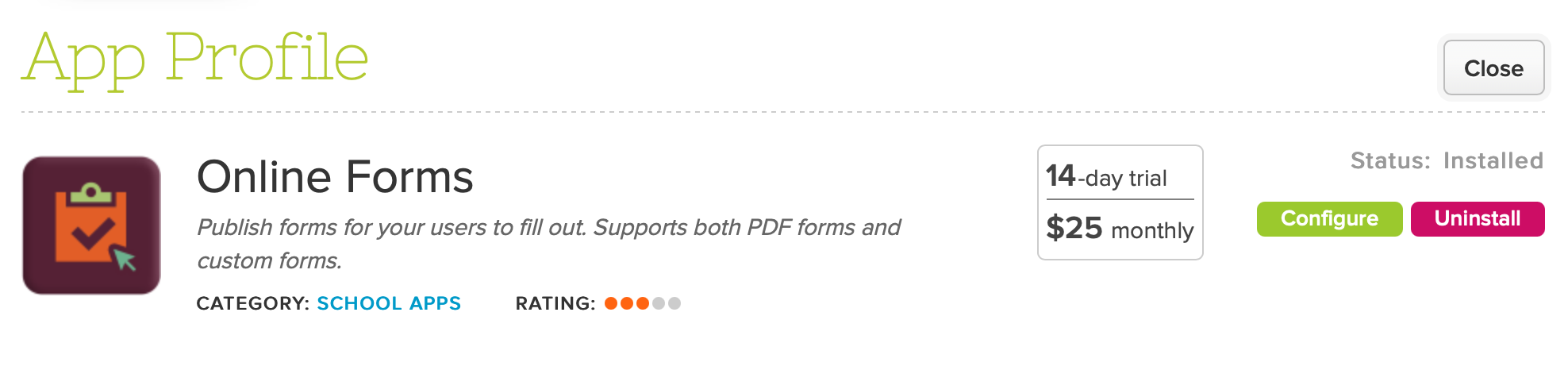
We had Part I of the Quickschools Online Forms webinar back on May 4th. The webinar specifically described the basics related to the Online Forms module (introduction, installation, key concepts, configuration elements, etc). The slides for that particular presentation can be found in our most recent blog post here: Online Forms Part I.
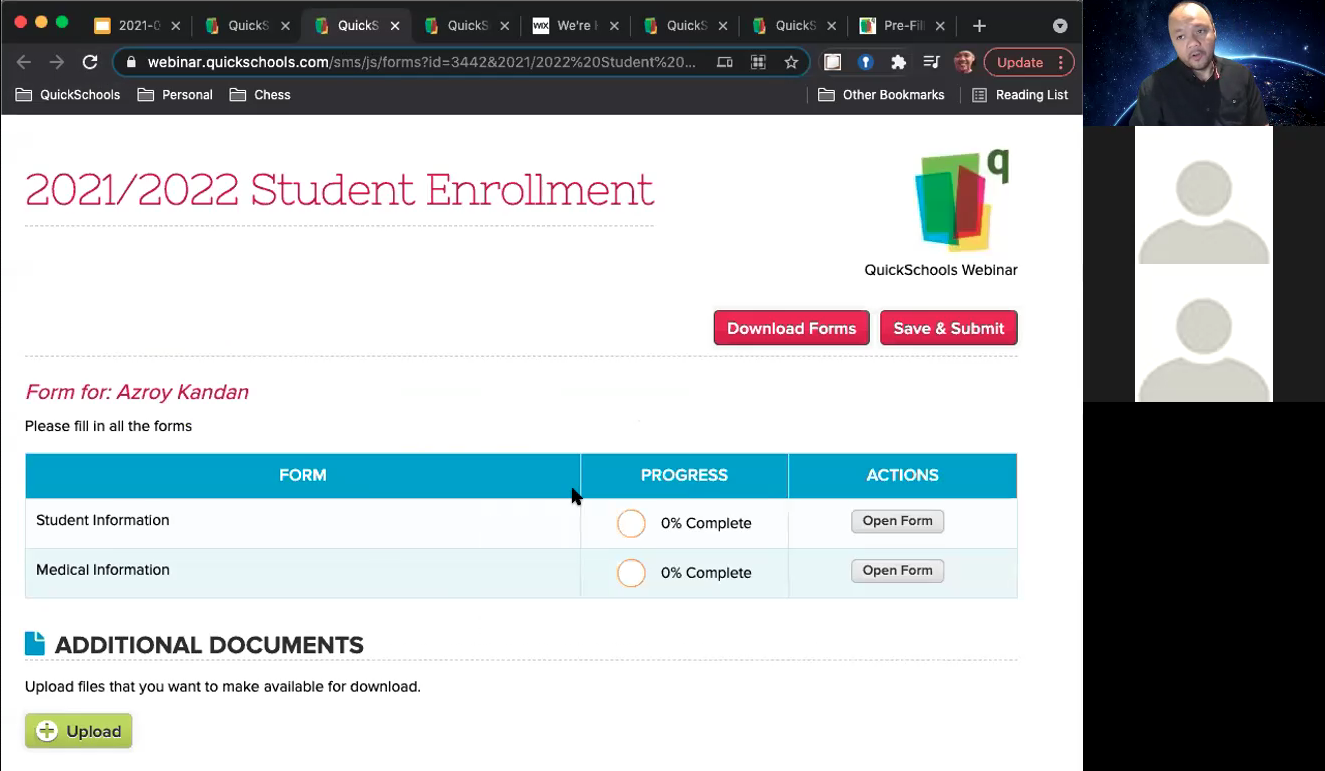
We have Part II of the Online Forms webinar coming up next week, and we’ll dig deeper into the module by showcasing specific use cases that you all may be interested in. These include examples for applications, re-enrollment, field trip forms, vacation/absence notification, online order forms, and others. The webinar will take place on Tuesday, May 18th at 1pm ET. The link to register will be available on the Teachers’ Lounge:
Thanks to everyone who attended our first Online Forms webinar earlier today. We had a lot to cover, so we’ll be conducting a second webinar later this month. Be sure to sign up for that as well. You should see an announcement in your QuickSchools portal:
If you missed it or would like a copy of the recording, please fill in the survey, and let us know. Our team will send you a link to the recording once it’s available. However, if you’d like a copy of the presentation, we have that here for download:
New Orchestra Subscription Plan for Master Scheduler only, includes
New Login Page
Updated Footer and links
New Features Page
Display Section Assignments in Student and Parent Portals
New Printable Section Assignments PDF
Improve Course Catalog Importer to support updates
Other General Improvements
Email Templates from Student Profile (see below)
Automatically Match Courses in Google Classroom Course Mappings
Ability to disconnect to Google Classroom
System checks for existing emails for new Trial Sign-Ups
Miscellaneous Fixes when creating new Trial Accounts
Generic Importer for Tests & Assessments (BETA)
Custom Background Image (BETA)
Improve reporting on Lunch Ordering app (for Pending/Cancelled Orders)
Improve how announcements can be hidden
Improve display of transactions on Billing History page
Support Enrollment Date in Students API Resource
Continue Framework Improvements for Emails
Fix Non-School Days on Attendance Calendar for Group Schools
Fix Scheduled Google Classroom Sync
Fix Gradebook Template with Scale Score
Fix Displayed Date for Attendance Not-Yet-Taken Notifications (BETA)
Email Templates from Student Profile
We have long supported Email Templates, for various modules. We’ve not extended this support to the student record:
When accessing a student record, there is now a “Email Profile” link, that will allow you to use Email Templates to send emails. For more information on our Email Templating capability, check out the link below: